

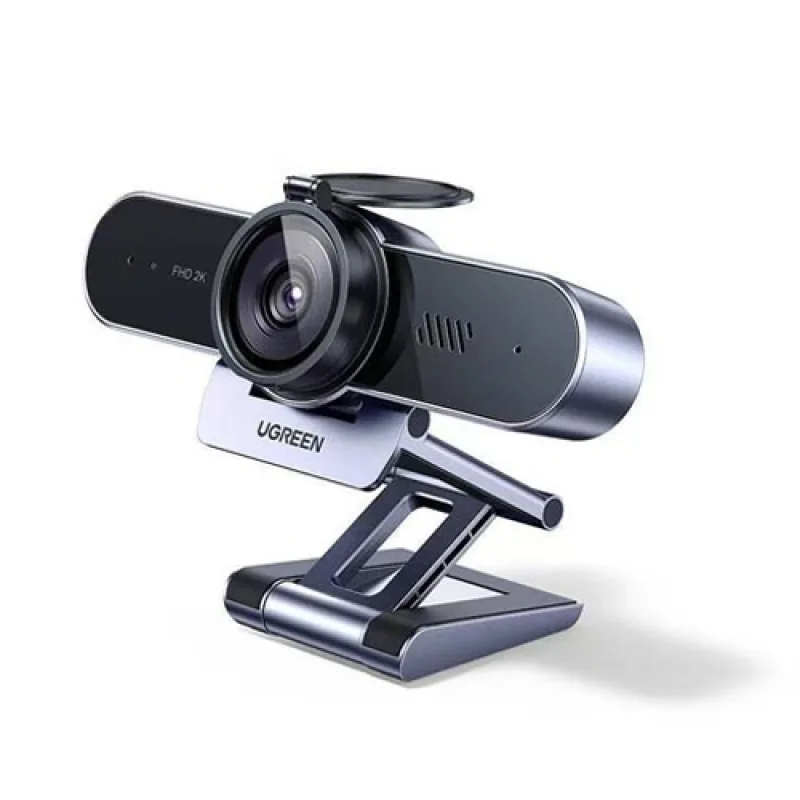
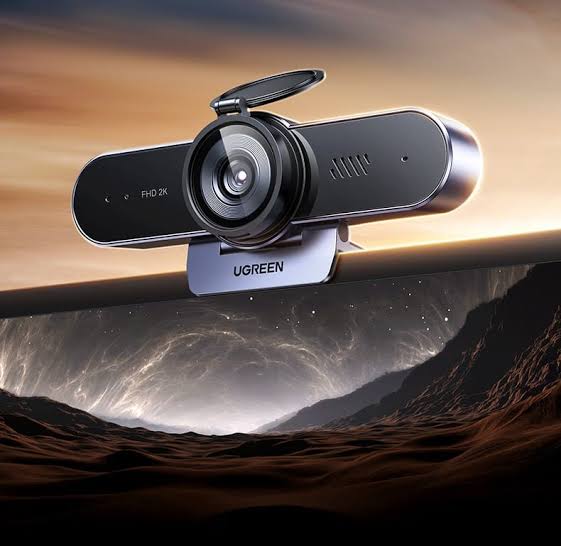
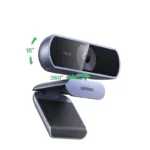

UGREEN 2K 30FPS Webcam CM797 (45644) – 4MP Camera, Dual Microphones & Privacy Cover
Original price was: 5,900.00৳ .5,390.00৳ Current price is: 5,390.00৳ .
UGREEN 2K 30FPS Webcam CM797 (45644) – 4MP Camera, Dual Microphones & Privacy Cover
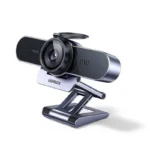
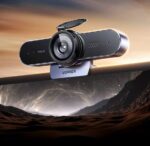
The UGREEN 2K 30FPS Webcam CM797 (45644) is a compact USB webcam designed for video meetings, online classes, remote work, video calls and everyday content creation. Its 2K QHD video output and 4MP image sensor are designed to deliver detailed visuals for professional and personal communication.
The CM797 includes two built-in microphones for voice pickup, automatic light correction on some retailer-listed configurations, a wide-angle lens and a physical privacy cover. Its USB plug-and-play connection makes setup straightforward on compatible computers without requiring a separate webcam power adapter.
Whether you’re attending work meetings, teaching online, joining virtual interviews or making video content, the UGREEN CM797 2K Webcam offers a convenient all-in-one camera solution for your desk or home office.
Important specification note: Focus type is inconsistently reported. UGREEN’s product information for model 45644 describes a fixed-focus lens, while some retailers advertise autofocus. Confirm the focus type of the actual stock before publishing an unconditional autofocus claim.
Common Problems with Basic Webcams
A basic webcam may not provide the image quality or convenience needed for modern online communication.
Common problems include:
- Blurry or low-resolution video
- Poor image quality in dim lighting
- Unclear voice pickup
- A narrow viewing angle
- Complicated installation
- Camera positioning that is difficult to adjust
- Privacy concerns when the camera is not in use
The UGREEN CM797 is designed to address several of these everyday needs with 2K video, built-in microphones, USB connectivity and a physical privacy cover.
Smart Solution for Online Communication
The UGREEN CM797 Webcam combines video capture, microphone input and convenient mounting in one compact device.
Connect it to a compatible computer through USB, select it as your camera and microphone in your preferred application, and start your video call or recording. Supported applications may include Zoom, Microsoft Teams, Google Meet, Skype and OBS, depending on the computer and software configuration.
Key Features
1. 2K QHD Video at 30FPS
The webcam supports video output up to 2560 × 1440 pixels at 30 frames per second, providing more detail than standard 1080p video when the application and connection support the selected resolution.
2. 4MP Image Sensor
The 4MP CMOS image sensor is designed to capture detailed visuals for meetings, online classes, presentations and video calls. Actual image quality depends on lighting, software settings and the video platform being used.
3. Dual Built-In Microphones
The CM797 includes two built-in microphones for voice pickup. UGREEN describes them as omnidirectional microphones, helping capture voices from the surrounding area during online communication.
4. Wide-Angle Lens
The wide-angle lens helps include more of your surroundings in the frame, making the webcam useful for individual calls and small-group meetings.
Listings report different fields of view, including approximately 80° and 85°. Verify the specification of the exact regional version before publishing a fixed figure.
5. Focus System — Verify the Exact Version
The focus type is a specification that requires special attention for this model. UGREEN’s product page for CM797 (45644) identifies a fixed-focus lens, but some retailer listings describe autofocus.
For an accurate product listing, check the packaging, official documentation or physical unit supplied by your distributor before describing it as an autofocus webcam.
6. Automatic Light Correction
Some CM797 retailer listings specify automatic light correction to help adjust the image when lighting conditions change. Performance depends on the available light and the exact product configuration.
7. USB Plug-and-Play Connection
The webcam uses a USB connection for convenient setup. Compatible computers can detect it as a camera without a separate webcam power supply or manual driver installation.
8. Physical Privacy Cover
The privacy cover helps block the camera lens when the webcam is not being used. This provides a simple physical privacy measure for home offices, shared workspaces and study areas.
9. Adjustable Positioning
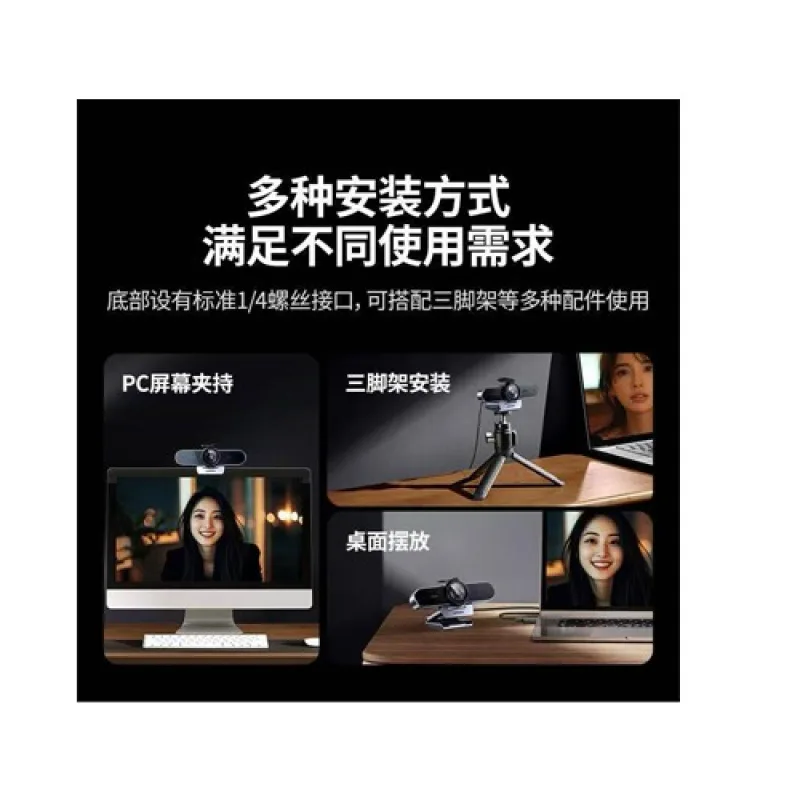
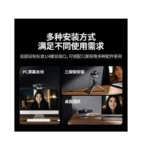
The webcam is designed for flexible positioning on a suitable monitor, laptop screen or desktop setup. Retailer descriptions specify a 360° rotation design, allowing you to adjust its orientation to suit your workspace.
10. Broad Software Compatibility
The CM797 is listed as compatible with Windows, macOS and Linux. Some retailer listings also mention Chrome OS or Android, but compatibility depends on the host device, USB support and operating-system version.
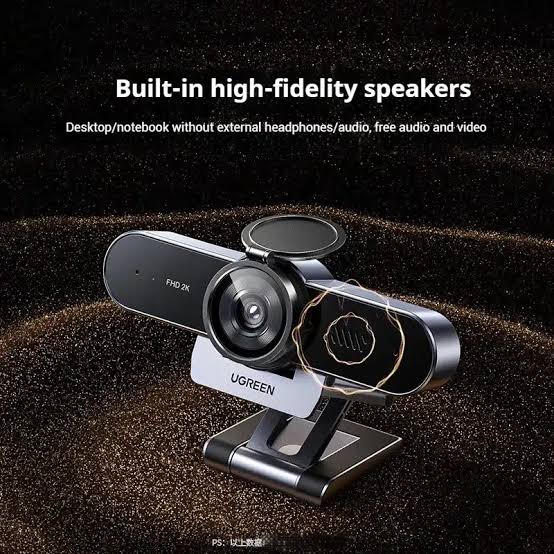
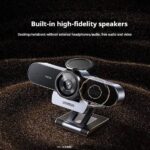
11. Integrated Speaker — Confirm the Package Version
Some product listings for CM797 (45644) describe a built-in speaker, while other listings focus on the camera and dual microphones without confirming speaker functionality. Check the exact unit and its official packaging before advertising an integrated speaker as a guaranteed feature.
Key Benefits
- 2K QHD video at up to 30FPS
- 4MP CMOS image sensor
- Dual built-in microphones
- Wide-angle viewing
- USB plug-and-play connection
- Physical privacy cover
- Flexible camera positioning
- Suitable for video meetings and online classes
- Useful for remote work and virtual interviews
- Compatible with a range of supported operating systems
- Compact design for desks and home offices
Perfect For
Remote Workers
Attend online meetings and collaborate with colleagues from your home office.
Students
Join online classes, virtual tutoring sessions and study-group meetings.
Professionals
Use the webcam for job interviews, client calls, presentations and video conferences.
Teachers and Tutors
Support remote lessons and online teaching sessions.
Content Creators
Use the webcam for compatible streaming and recording software. The final recording resolution and frame rate depend on the application and system configuration.
Home Office Users
Upgrade a computer setup with a dedicated camera and built-in microphones.
Why Choose the UGREEN CM797?
The UGREEN CM797 combines a 2K camera, built-in microphones and straightforward USB connectivity in a compact webcam. It is a practical option for users who want a dedicated camera for daily communication without building a complex recording setup.
Its privacy cover and flexible positioning add convenience, while the 4MP sensor and 2K output provide a higher-resolution option for compatible video applications.
UGREEN CM797 vs Basic HD Webcam
| Feature | UGREEN CM797 (45644) | Basic HD Webcam |
|---|---|---|
| Maximum Listed Resolution | 2K QHD | Varies |
| Frame Rate | Up to 30FPS | Varies |
| Image Sensor | 4MP CMOS | Varies |
| Built-In Microphones | Dual | Varies |
| USB Connection | Yes | Usually |
| Privacy Cover | Listed | Depends on model |
| Wide-Angle Lens | Yes | Depends on model |
| Light Correction | Listed by some retailers | Depends on model |
| Focus Type | Verify exact version | Varies |
| Best Use | Meetings, classes and video calls | Basic video communication |
How to Use the UGREEN CM797 Webcam
Step 1: Position the Webcam
Place the webcam securely on a compatible monitor, laptop screen or suitable desktop surface.
Step 2: Connect the USB Cable
Connect the webcam to an available USB port on your compatible computer.
Step 3: Allow the Computer to Detect It
Wait for the operating system to recognize the camera. If necessary, open your system’s camera settings and select the UGREEN webcam.
Step 4: Select the Camera and Microphone
Open your preferred video-call or recording application and select the webcam as the video source. Choose its built-in microphones if you want to use the webcam for audio input.
Step 5: Adjust the Camera Angle
Position the webcam so that your face is clearly visible and the background is suitable for your meeting or recording.
Step 6: Check Lighting and Audio
Use sufficient front-facing light and test the microphone before an important call.
Step 7: Use the Privacy Cover
Close the physical privacy cover when the camera is not in use.
Recommended Use Cases
Video Meetings
Use the webcam for everyday communication through supported conferencing software.
Online Classes
Connect with teachers, classmates or students using a compatible computer and video-call application.
Virtual Interviews
Position the webcam at an appropriate height and use suitable lighting for a clear, professional presentation.
Live Streaming
Use compatible streaming software such as OBS where supported by your system. Available video settings depend on the application and computer.
Remote Work
Keep a dedicated camera connected to your workstation for regular team meetings and client calls.
Cleaning & Maintenance
To keep the webcam in good condition:
- Disconnect it before cleaning when practical.
- Use a soft, dry microfiber cloth to clean the exterior.
- Avoid spraying liquid directly onto the lens or housing.
- Do not use abrasive cleaners on the lens.
- Keep the privacy cover and mounting area free from dust.
- Store the webcam safely when not in use.
- Avoid pulling or sharply bending the USB cable.
Important Usage Tips
- Confirm that your computer has a compatible USB port.
- Check that the selected application supports the webcam’s video settings.
- Provide adequate lighting for clearer video.
- Test audio input before meetings or recordings.
- Keep the lens clean and unobstructed.
- Use the privacy cover when the camera is not needed.
- Verify the focus type and field of view of the supplied version before relying on those specifications.
- Remember that a 2K webcam does not guarantee 2K output in every application; software, bandwidth and device compatibility can limit the selected resolution.
Product Specifications
| Specification | Details |
|---|---|
| Brand | UGREEN |
| Model | CM797 |
| Product Code | 45644 |
| Product Type | USB Webcam |
| Maximum Listed Video Resolution | 2560 × 1440 (2K QHD) |
| Maximum Listed Frame Rate | 30FPS |
| Image Sensor | 4MP CMOS |
| Focus Type | Fixed focus according to UGREEN product information; some retailers claim autofocus |
| Field of View | Approximately 80°–85° depending on listing/version |
| Microphones | 2 built-in microphones |
| Microphone Type | Omnidirectional according to UGREEN product information |
| Light Correction | Listed by some retailers; verify exact version |
| Privacy Cover | Listed |
| Connectivity | USB, commonly listed as USB 2.0 |
| Installation | Plug and play on compatible systems |
| Rotation | 360° rotation listed by retailers |
| Operating Systems | Windows, macOS and Linux; other systems depend on compatibility |
| Typical Applications | Video calls, online classes, meetings and streaming |
| Cable Length | Listings vary; confirm the supplied version |
| Speaker | Reported by some listings; verify before advertising as included |
Specifications can vary between retailer descriptions and regional listings. In particular, focus type, field of view, cable length and speaker availability should be verified against the exact CM797 (45644) unit supplied.
What’s in the Box?
Typical listings identify the following items, although the exact package may vary:
- 1 × UGREEN CM797 Webcam
- 1 × USB Cable, integrated or supplied depending on version
- 1 × Privacy Cover, where included
- 1 × User Manual
- 1 × Warranty Card or documentation, depending on seller
Confirm the exact accessories included with your AIYOZON stock before publishing a fixed package list.
Who Should Buy This Product?
The UGREEN CM797 is suitable for people who:
- Need a dedicated webcam for remote work
- Attend frequent video meetings
- Participate in online classes
- Conduct virtual interviews
- Want a 2K webcam for compatible recording software
- Prefer built-in microphones
- Need a physical privacy cover
- Want a straightforward USB webcam setup
Why Buy from AIYOZON?
When purchasing the UGREEN CM797 2K 30FPS Webcam (45644) from AIYOZON, you can enjoy a convenient online shopping experience for practical computer accessories.
- Product-focused information
- Convenient online ordering
- Support with product-related questions
- Delivery options across Bangladesh
- Assistance with checking model and accessory details
Check the exact product version, package contents and warranty terms before placing your order.
Frequently Asked Questions
What is the resolution of the UGREEN CM797 webcam?
The CM797 (45644) is listed with 2K QHD video at 2560 × 1440 pixels and up to 30FPS. Actual output depends on the computer and application settings.
Does the UGREEN CM797 have a 4MP sensor?
Yes. UGREEN’s product information identifies a 4MP image sensor.
Does this webcam support autofocus?
There is conflicting information. UGREEN’s product page for model 45644 specifies fixed focus, while some retailers advertise autofocus. Verify the physical unit or official documentation for your exact stock before making an autofocus claim.
Does the webcam have built-in microphones?
Yes. It has two built-in microphones for voice pickup.
Does the UGREEN CM797 have a privacy cover?
The product is listed with a physical privacy cover. Confirm that the cover is included with the particular package you sell.
Is the webcam plug and play?
It is listed as a USB plug-and-play webcam for compatible systems, so separate driver installation is generally not required.
Can I use it with Zoom and Google Meet?
It is designed for common video-call applications. Select the CM797 as the camera and microphone in the application’s device settings.
Can I use it for live streaming?
Yes, it can be used with compatible streaming software. The available resolution and frame rate depend on the software, computer and connection.
Does it have a built-in speaker?
Some CM797 listings advertise a speaker, but other descriptions do not consistently confirm it. Verify the exact supplied version before treating the speaker as a guaranteed feature.
Is the UGREEN CM797 compatible with Mac?
It is listed as compatible with macOS, along with Windows and Linux. Confirm that your specific operating-system version and application support the webcam.
Does it need a separate power adapter?
The webcam connects through USB and is listed as plug and play, so a separate webcam power adapter is generally not required.
Is 2K video guaranteed in every app?
No. Although the webcam is listed with 2K output, some applications or computers may select a lower resolution based on their settings, capabilities or bandwidth.
Final Verdict
The UGREEN 2K 30FPS Webcam CM797 (45644) is a practical USB webcam for video meetings, online learning, remote work and compatible streaming setups. Its 2K QHD video output, 4MP sensor, dual microphones, wide-angle lens and privacy cover provide useful features for everyday communication.
For an accurate AIYOZON listing, verify the exact unit’s focus type, field of view, speaker availability and package accessories, because current retailer descriptions do not agree on every specification.
Upgrade Your Video-Calling Setup
- 2K QHD video up to 30FPS
- 4MP CMOS image sensor
- Dual built-in microphones
- USB plug-and-play connectivity
- Wide-angle viewing
- Physical privacy cover
- Suitable for meetings, online classes and remote work







Reviews
There are no reviews yet.