

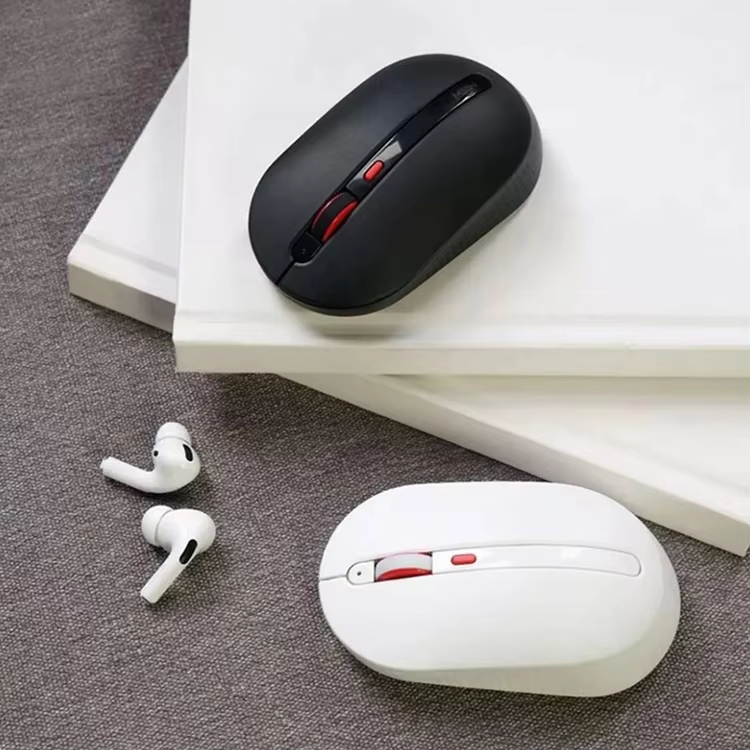
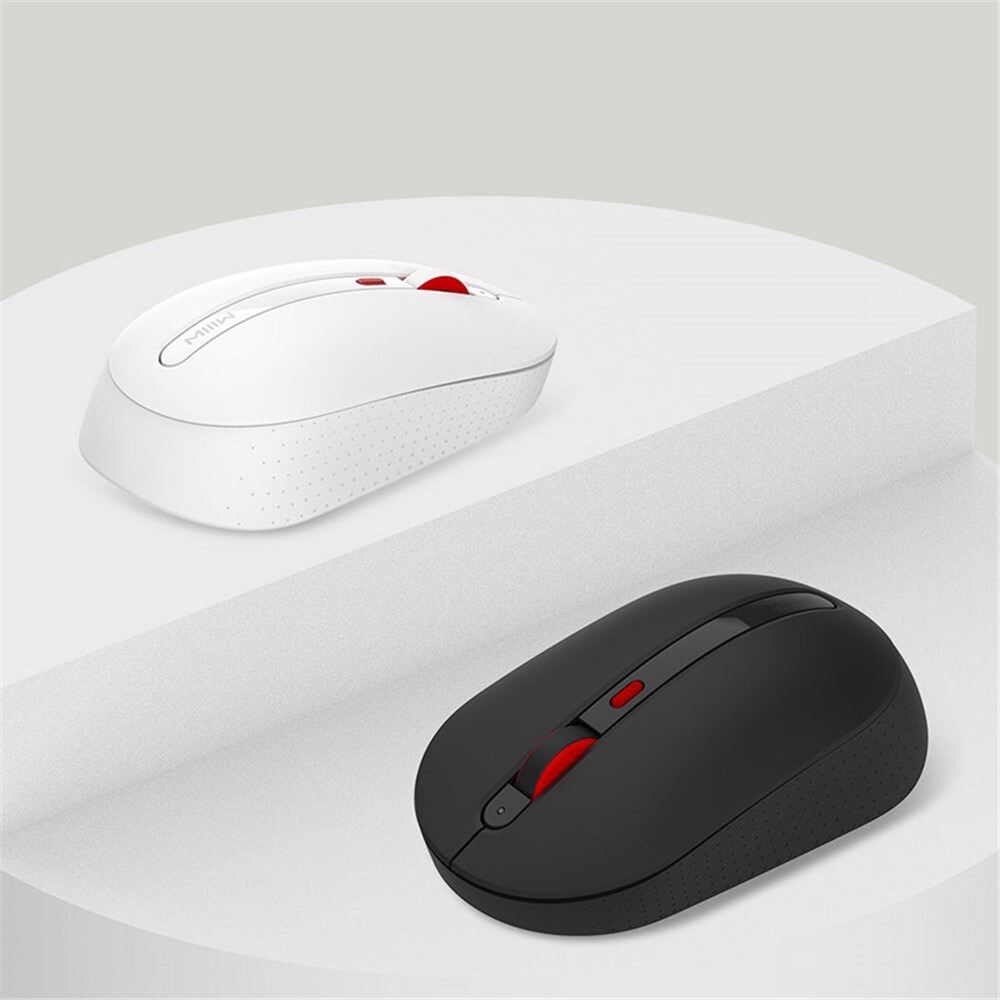
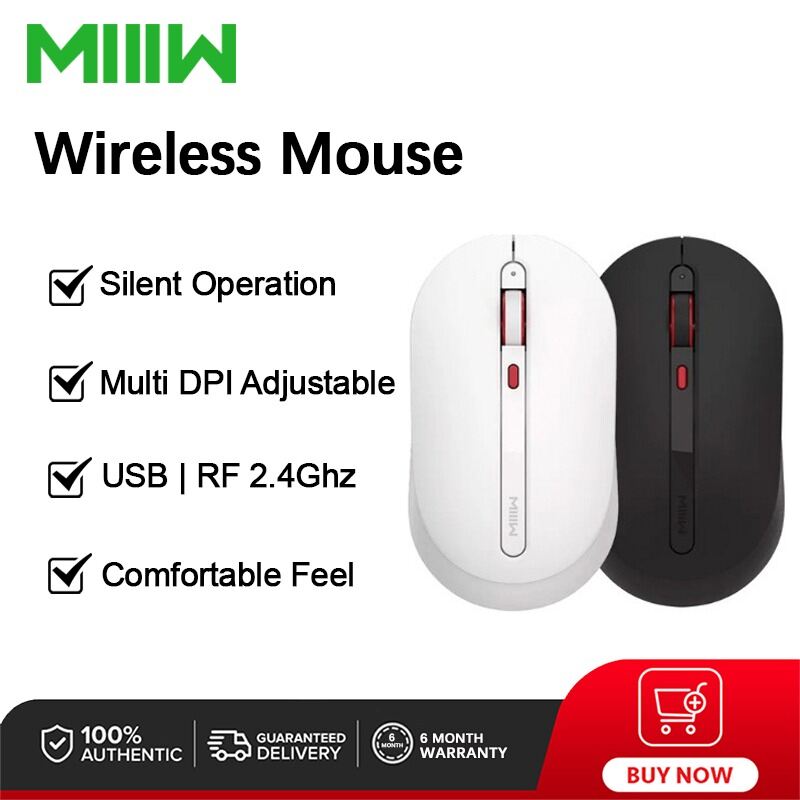
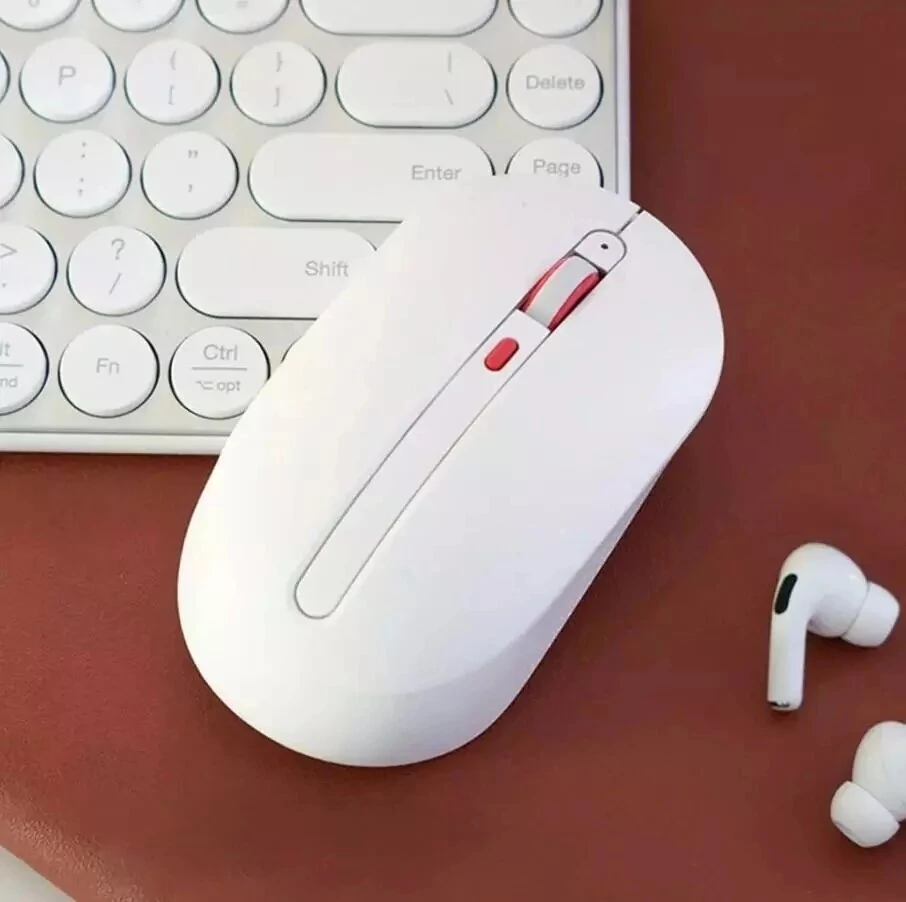
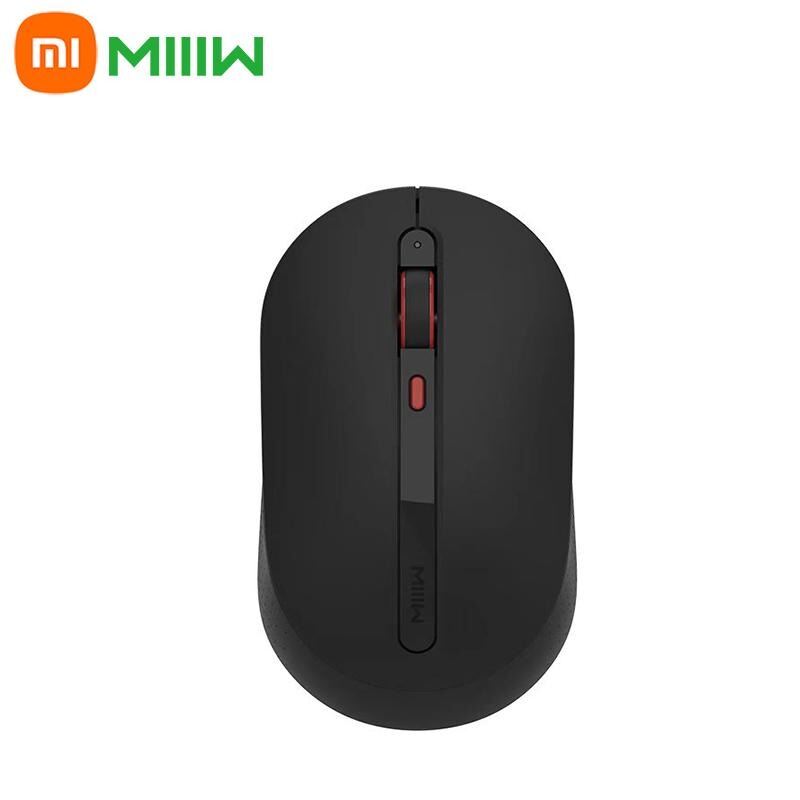







Xiaomi MIIIW MWWM01 Wireless Silent Mouse – 2.4GHz Optical Wireless Mouse
Original price was: 1,250.00৳ .990.00৳ Current price is: 990.00৳ .
Xiaomi MIIIW MWWM01 Wireless Silent Mouse – 2.4GHz Optical Wireless Mouse
The Xiaomi MIIIW MWWM01 Wireless Silent Mouse is a compact wireless optical mouse designed for everyday computer use at home, in the office, at school or while working with a laptop.
Using a 2.4GHz wireless USB receiver, the mouse provides a cable-free connection without requiring Bluetooth pairing. Its optical sensor is designed for smooth cursor movement, while the compact symmetrical shape makes it suitable for both left- and right-handed users. Available specifications identify the mouse with three buttons, AAA battery power and an operating range of approximately 6–8 meters depending on the specification/version.
The MIIIW mouse is particularly useful for users who want a simple, lightweight wireless mouse without unnecessary gaming features or complicated software.
Common Problems with Wired & Basic Computer Mice
A traditional wired mouse can become inconvenient when working with laptops or compact desks.
Common issues include:
- Cable clutter on the desk
- Limited freedom of movement
- Difficult cable management
- Mouse designs that are uncomfortable for extended use
- Lack of portability
- No easy wireless connection
- Unnecessary gaming features for normal office work
A compact wireless mouse provides a cleaner and more flexible alternative for everyday computing.
Smart Solution for Everyday Computing
The Xiaomi MIIIW MWWM01 Wireless Mouse provides a straightforward wireless solution using a 2.4GHz USB receiver.
Simply insert the receiver into a compatible USB port, install the required AAA batteries and switch on the mouse. The plug-and-play design allows you to start using it without installing dedicated mouse software or drivers in normal supported operating systems.
Key Features
1. 2.4GHz Wireless Connection
The MIIIW mouse uses a 2.4GHz wireless radio connection with a USB receiver.
This eliminates the need for a physical mouse cable and provides convenient wireless operation for desktops and laptops. Depending on the source/version, the stated working distance is approximately 6–8 meters.
2. Optical Sensor
The mouse uses an optical photoelectric sensor for cursor tracking.
This makes it suitable for everyday tasks such as browsing websites, working with documents, editing spreadsheets, studying and general computer navigation.
3. Silent / Low-Noise Clicking
The MIIIW Wireless Mute Mouse documentation describes mute buttons designed to reduce clicking noise, making the mouse suitable for quiet environments such as offices, libraries and late-night work.
Important model note: Some comparison databases identify the MWWM01 base version as not having silent clicking, while the Wireless Mute/MWMM01 version is explicitly described as silent. Confirm the exact retail packaging/version before publishing the word “Silent” as a guaranteed feature.
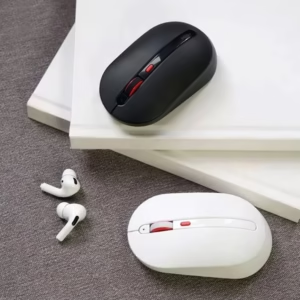
4. Compact & Symmetrical Design
The mouse uses a compact symmetrical design intended for both left- and right-handed users.
Several listings report dimensions around 114–115 × 62 × 36–39mm and a weight of approximately 87–88g, depending on the exact version/source.
5. Three-Button Layout
The commonly documented MWWM01 configuration includes:
- Left click
- Right click
- Scroll wheel/middle function
This simple layout is suitable for everyday office and home computing without adding unnecessary gaming controls.
6. Battery Powered
The mouse operates using 2 × AAA batteries.
The batteries are replaceable, so there is no need to recharge the mouse with a USB cable. Some listings include the batteries while others may sell the mouse without them, so package contents should be confirmed with the seller.
7. Convenient USB Receiver
The wireless receiver is designed to connect directly to a compatible USB port.
The receiver can also be stored inside the mouse on supported versions, helping reduce the chance of losing the small wireless dongle when transporting the mouse.
8. LED Battery Indicator
The mouse includes an indicator that can provide battery-status information.
The documented mute-mouse version uses a front indicator that can turn red when the battery level becomes low.
9. Plug-and-Play Operation
The mouse is designed for simple installation.
Connect the wireless receiver, switch on the mouse and allow the operating system to recognize the device. The documented version generally does not require a dedicated driver installation.
10. Windows & macOS Compatibility
The MIIIW mouse is listed as compatible with supported Windows and macOS systems.
Detailed documentation lists Windows 10 and above and macOS 10.10 and above, while other retailer sources list broader Windows compatibility.
Benefits
- 2.4GHz wireless connection
- No mouse cable required
- Optical tracking sensor
- Compact symmetrical design
- Suitable for left- and right-handed users
- Simple three-button layout
- AAA battery powered
- USB wireless receiver
- Plug-and-play operation
- Portable design
- LED battery indication
- Suitable for home, office and study
- Silent/mute version available depending on exact model
Perfect For
The Xiaomi MIIIW MWWM01 Wireless Mouse is suitable for:
- Laptop users
- Desktop PC users
- Office workers
- Students
- Home users
- Remote workers
- Library users
- Business professionals
- General computer users
- People who want a compact wireless mouse
Why Choose Xiaomi MIIIW MWWM01?
The MIIIW MWWM01 focuses on the essentials required for everyday computer use.
Instead of adding complicated gaming controls, RGB lighting or programmable buttons, it provides a simple combination of wireless connectivity, optical tracking, compact design and battery-powered operation.
For users who mainly browse, work with documents, attend online meetings, study or perform general computer tasks, this straightforward design can be a practical choice.
Xiaomi MIIIW MWWM01 vs Traditional Wired Mouse
| Feature | Xiaomi MIIIW MWWM01 | Traditional Wired Mouse |
|---|---|---|
| Connection | 2.4GHz Wireless | Wired |
| USB Cable | No | Yes |
| Optical Sensor | Yes | Usually |
| Battery Powered | 2 × AAA | No |
| Wireless Receiver | Yes | No |
| Portable | Yes | Less convenient |
| Left/Right Hand Use | Symmetrical design | Depends on model |
| Silent/Mute Version | Available depending on version | Depends on model |
| Gaming Features | No | Depends on model |
| Office Use | Excellent | Excellent |
How to Use Xiaomi MIIIW MWWM01
Step 1: Insert the Batteries
Open the battery compartment and install 2 × AAA batteries according to the polarity markings.
Step 2: Remove the USB Receiver
Take the wireless USB receiver from its storage location inside or underneath the mouse, depending on the version.
Step 3: Connect the Receiver
Insert the receiver into an available compatible USB port on your computer.
Step 4: Turn On the Mouse
Switch on the mouse using the power control on the underside.
Step 5: Start Using the Mouse
Move the mouse over a suitable non-transparent, non-reflective surface and begin using the cursor.
Step 6: Replace Batteries When Required
If the low-battery indicator appears or cursor performance becomes weak, replace the AAA batteries.
Use Cases
Office Work
Use the wireless mouse for documents, spreadsheets, email, browsing and other everyday office applications.
Laptop Use
The wireless design eliminates the need for a permanently connected mouse cable, making it convenient for laptop users.
Study & Education
Its compact design makes it suitable for students working with laptops or desktop computers.
Library & Quiet Workspaces
The mute/silent version is particularly suitable for environments where clicking noise can be distracting.
Home Computing
Use it for browsing, streaming, document work and general computer tasks.
Remote Work
The cable-free design helps keep a home-office desk cleaner and more organized.
Cleaning & Maintenance
To maintain smooth operation:
- Clean the optical sensor regularly with a soft, dry cloth.
- Keep the mouse surface free from dust and debris.
- Avoid spilling liquids onto the mouse.
- Keep the USB receiver clean.
- Replace both AAA batteries together when required.
- Remove batteries if storing the mouse for an extended period.
- Store the mouse in a dry environment.
Important Usage Tips
- Use only compatible AAA batteries.
- Install batteries according to the correct polarity.
- Keep the USB receiver secure when not in use.
- Avoid highly reflective or transparent surfaces for better optical tracking.
- Do not expose the mouse to water.
- Do not use excessive force on the buttons or scroll wheel.
- Turn the mouse off when it will not be used for an extended period.
- Keep the optical sensor free from dust.
Product Specifications
| Specification | Details |
|---|---|
| Brand | Xiaomi MIIIW |
| Product Name | MIIIW Wireless Mouse / Wireless Mute Mouse |
| Model | MWWM01 / MWMM01* |
| Product Type | Wireless Optical Mouse |
| Connection | 2.4GHz Wireless |
| Receiver | USB Receiver |
| Sensor | Optical / Photoelectric |
| DPI | 1000 DPI on MWWM01 listings; 800/1200/1600 DPI on the documented Mute/MWMM01 version* |
| Buttons | 3 buttons on MWWM01 listings |
| Silent Clicking | Version dependent* |
| Power | 2 × AAA Batteries |
| Input | 3V |
| Wireless Range | Approx. 6–8m depending on source |
| Material | ABS Plastic |
| Design | Symmetrical / Ambidextrous |
| Dimensions | Approx. 114–115 × 62 × 36–39mm |
| Weight | Approx. 87–88g |
| Supported Systems | Windows / macOS |
| Wireless Type | 2.4GHz Radio |
| Bluetooth | No on documented MWWM01 version |
* Model/version note: Current sources use both MWWM01 and MWMM01 names for closely related MIIIW wireless mice. The MWWM01 listings commonly specify 1000 DPI and 3 buttons, while the Mute/MWMM01 manual specifies 800/1200/1600 DPI and mute buttons. Verify the exact model printed on the retail package before publishing a fixed DPI or silent-click specification.
What’s in the Box?
Typical package contents include:
- 1 × MIIIW Wireless Mouse
- 1 × USB Wireless Receiver
- 2 × AAA Batteries on some retail packages
- User documentation where supplied
Package contents can vary by seller and regional version. Some listings explicitly include two AAA batteries, while the instruction manual states batteries are not included. Confirm the actual AIYOZON package before publishing batteries as included.
Who Should Buy This Product?
Choose the Xiaomi MIIIW MWWM01 Wireless Mouse if you want:
- A simple 2.4GHz wireless mouse
- Optical cursor tracking
- A compact and portable design
- A mouse suitable for left- or right-handed users
- AAA battery operation
- A USB wireless receiver
- A practical mouse for office and home use
- A quiet-click version where the exact model supports it
If you need Bluetooth connectivity, programmable buttons, RGB lighting or advanced gaming features, a different mouse would be more appropriate.
Why Buy from AIYOZON?
When purchasing the Xiaomi MIIIW MWWM01 Wireless Mouse from AIYOZON, you can enjoy:
- Convenient online ordering
- Product-focused specifications
- Quality-focused product selection
- Customer support
- Delivery support across Bangladesh
- Access to practical computer and technology accessories
Frequently Asked Questions
Is Xiaomi MIIIW MWWM01 a wireless mouse?
Yes. The MWWM01 uses a 2.4GHz wireless connection with a USB receiver.
Does it support Bluetooth?
The commonly documented MWWM01 configuration does not use Bluetooth. It connects through its 2.4GHz USB receiver.
What DPI does the MIIIW MWWM01 have?
The MWWM01 is commonly listed at 1000 DPI. A closely related Mute/MWMM01 version is documented with 800, 1200 and 1600 DPI settings. Verify the exact model/version before publishing a fixed DPI specification.
Is the MIIIW MWWM01 silent?
The Mute/MWMM01 version is specifically documented with quiet/mute buttons. However, some MWWM01 databases do not list silent clicking as a feature. Confirm the exact version supplied by the seller.
How many buttons does it have?
The MWWM01 is commonly listed with three buttons.
What batteries does it use?
It uses 2 × AAA batteries. Whether batteries are included depends on the retail package.
What is the wireless range?
Sources list approximately 6–8 meters, depending on the exact specification/version and environment.
Is it suitable for laptops?
Yes. Its wireless USB receiver makes it suitable for laptops and desktop computers with a compatible USB port.
Is it suitable for gaming?
It can handle basic computer navigation and casual use, but it is primarily designed as a general-purpose office/home mouse, not a dedicated gaming mouse.
Does it require software?
The documented version is designed for plug-and-play operation and generally does not require a dedicated driver.
Final Verdict
The Xiaomi MIIIW MWWM01 Wireless Silent Mouse is a compact and practical wireless mouse designed for everyday computing.
Its 2.4GHz wireless connection, optical sensor, symmetrical design, USB receiver and AAA battery power make it suitable for laptops, desktops, offices, study spaces and home use. The closely related Mute/MWMM01 version additionally provides quiet clicking and adjustable DPI, but model naming and specifications vary between current listings.
For AIYOZON, the safest product positioning is to verify the exact retail model before publishing fixed DPI, silent-click and battery-inclusion claims.
Upgrade Your Everyday Computer Setup
- 🖱️ 2.4GHz Wireless Connection
- 🎯 Optical Tracking
- 🔌 USB Wireless Receiver
- 🔋 2 × AAA Battery Power
- ↔️ Symmetrical Ambidextrous Design
- 💼 Ideal for Office & Home
- 💻 Compatible with Windows & macOS
- 🤫 Silent/Mute Version Available Depending on Model












Reviews
There are no reviews yet.