



UGREEN CM401 USB 3.0 SD/TF Memory Card Reader – High-Speed Dual-Slot Card Reader
1,160.00৳
UGREEN CM401 USB 3.0 SD/TF Memory Card Reader – High-Speed Dual-Slot Card Reader
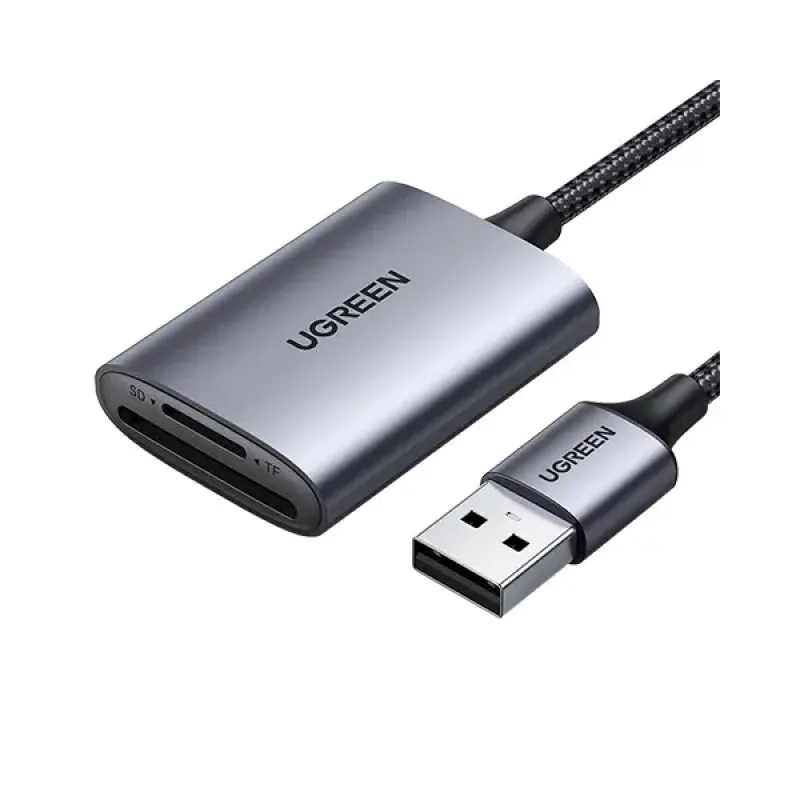
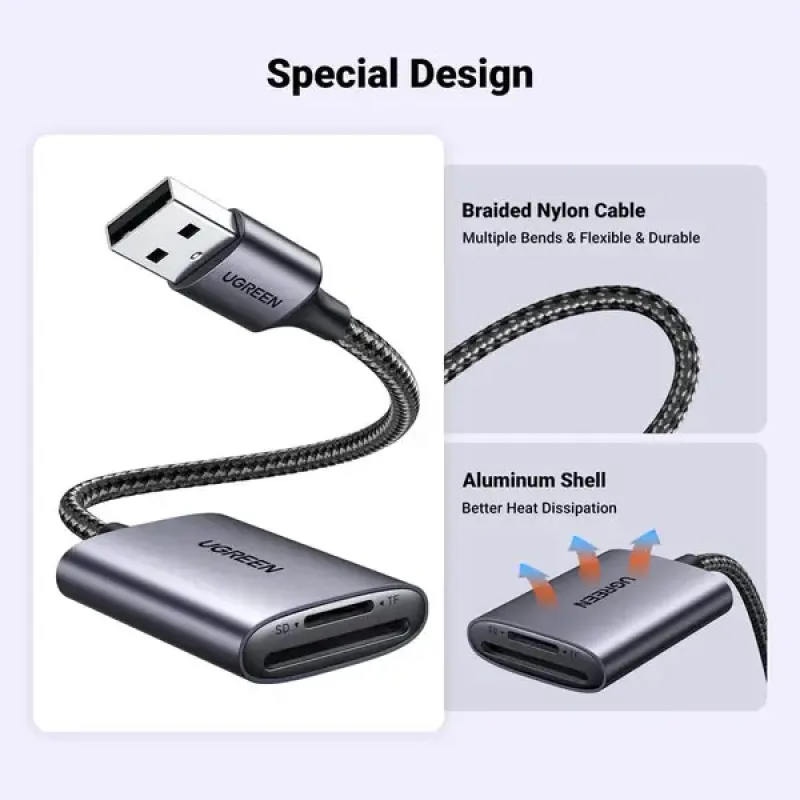
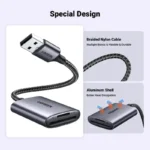
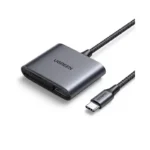
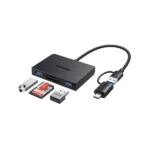
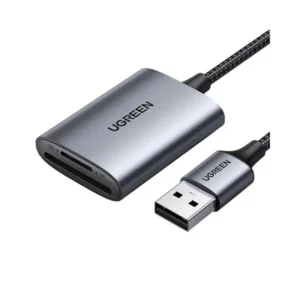
The UGREEN CM401 USB 3.0 SD/TF Memory Card Reader is a convenient storage accessory designed to transfer photos, videos, documents and other files between compatible memory cards and computers.
Featuring a USB-A 3.0 connection and dedicated SD and TF (microSD) card slots, this compact reader is suitable for photographers, content creators, students and everyday computer users. It supports compatible SD and microSD card formats, while its USB 3.0 interface provides a theoretical connection speed of up to 5Gbps. Actual transfer speeds depend on the memory card, host device and file type.
Whether you need to transfer camera photos, access drone footage or copy files from a microSD card, the UGREEN CM401 provides a straightforward way to access your memory cards without relying on wireless transfers.
Common Problems When Transferring Files
Transferring files from memory cards can become inconvenient when:
- Your computer does not have a built-in SD card slot.
- You need to access microSD cards from a camera or other device.
- Wireless transfers take too long for large files.
- You frequently move photos and videos between devices.
- You need to access more than one type of memory card.
- You want a portable solution for everyday file transfers.
The UGREEN CM401 provides dedicated SD and TF slots in one compact card reader.
Smart Solution for Convenient File Transfers
The UGREEN CM401 connects a compatible computer to an SD or microSD memory card through USB 3.0.
Simply connect the reader to an available USB-A port, insert your card into the corresponding slot and access the files through your device’s file manager. The reader supports plug-and-play operation on compatible systems, so a separate driver is generally not required.
Key Features
1. USB 3.0 High-Speed Interface
The USB 3.0 interface supports theoretical data signalling speeds of up to 5Gbps. This provides a high-speed connection for transferring compatible files, although actual memory-card performance is usually lower and depends on the card’s specifications.
2. Dual SD and TF Card Slots
The reader includes two dedicated card slots:
- SD slot: For compatible full-size SD memory cards.
- TF slot: For compatible microSD memory cards.
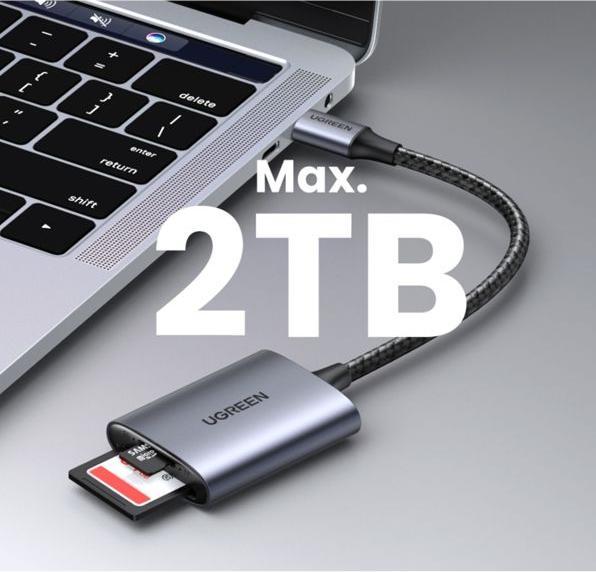
This makes the reader useful for accessing storage from cameras, smartphones, drones and other devices that use supported card formats.
3. Convenient File Access
Connect the reader to your computer to access supported memory cards and transfer files. It is suitable for everyday tasks such as copying photos, moving videos and backing up documents.
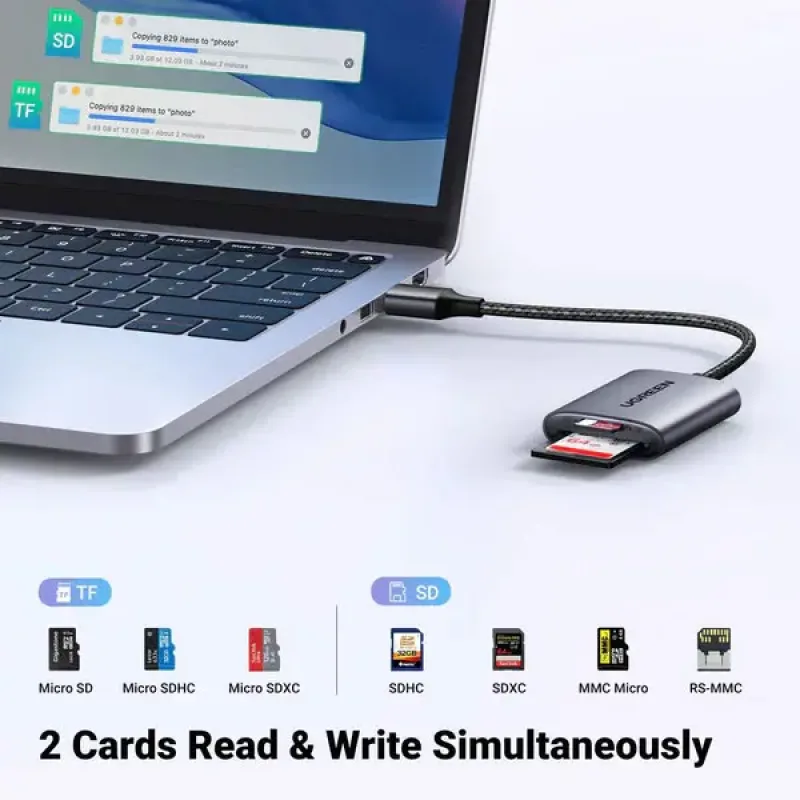
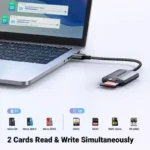
4. Simultaneous Card Access
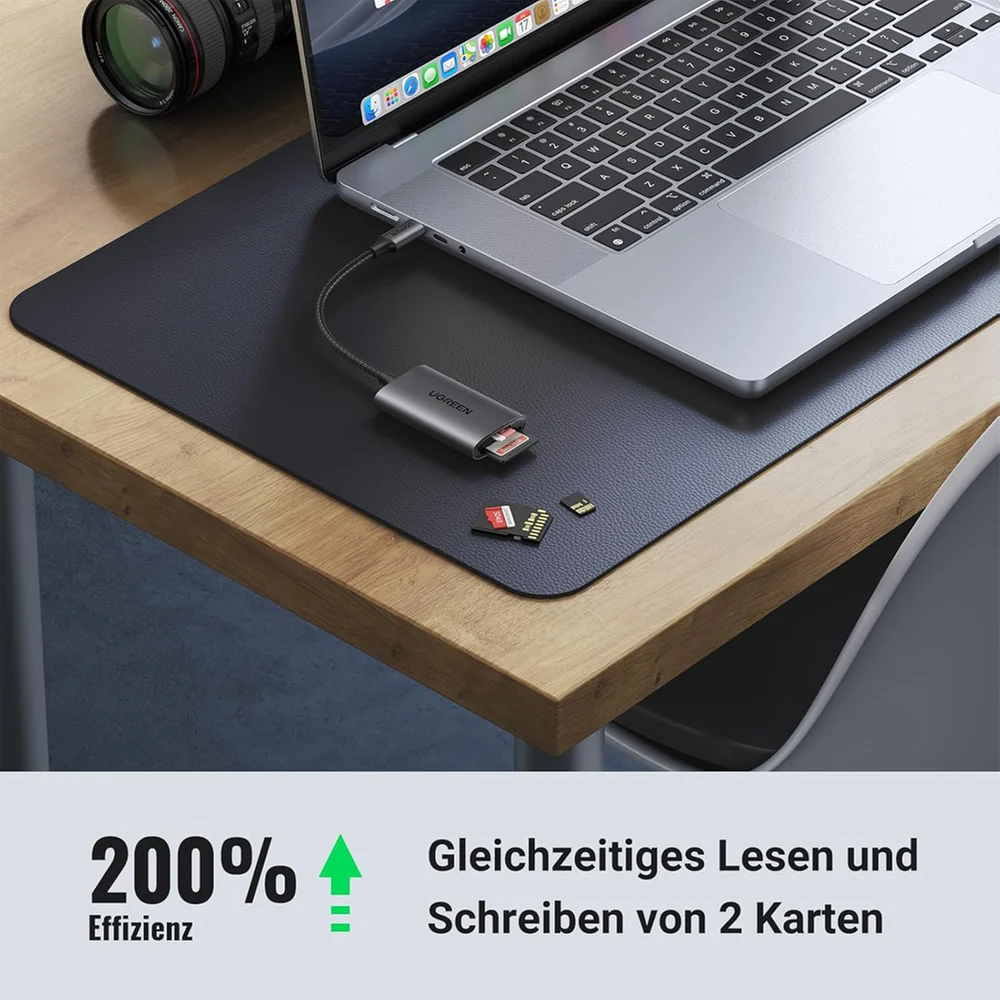
The CM401 documentation describes dual-card reading and writing support, allowing compatible SD and TF cards to be accessed together. Actual behaviour can depend on the connected device and operating system.
5. Plug-and-Play Convenience
The reader is designed for straightforward use with compatible systems. Connect it to a supported USB port and insert the memory card to begin accessing files without a separate power adapter.
6. Compact and Portable Design
Its compact form makes it easy to carry in a laptop bag, camera bag or desk organizer. Keep it available whenever you need to access removable storage.
7. Broad Operating-System Compatibility
The USB-A version is documented for Windows, macOS and Linux. Compatibility with other systems, including ChromeOS, depends on the host device and operating-system support.
Benefits
- USB 3.0 connectivity with up to 5Gbps theoretical interface speed
- Dedicated SD and TF (microSD) slots
- Convenient access to memory-card files
- Supports compatible SD and microSD formats
- Simultaneous dual-card access support
- Plug-and-play operation on compatible systems
- No separate power adapter generally required
- Compact and portable design
- Useful for photos, videos and document transfers
- Suitable for home, office, photography and travel
Perfect For
The UGREEN CM401 is suitable for:
- Photographers transferring camera photos
- Videographers moving recorded footage
- Drone users accessing compatible microSD cards
- Laptop and desktop computer users
- Students transferring academic files
- Content creators managing media files
- Users backing up photos and documents
- Anyone whose computer lacks a built-in SD or microSD reader
Why Choose UGREEN CM401?
The UGREEN CM401 combines two commonly used memory-card slots with a USB 3.0 connection in a compact accessory. Instead of using separate readers for SD and microSD cards, you can access both supported card types through one device.
It is a practical choice for users who regularly move files between computers and removable storage.
UGREEN CM401 vs Basic Memory Card Reader
| Feature | UGREEN CM401 | Basic Card Reader |
|---|---|---|
| USB Interface | USB 3.0 | Varies |
| SD Card Slot | Yes | Depends on model |
| TF/microSD Slot | Yes | Depends on model |
| Dual-Card Access | Supported | Varies |
| Plug-and-Play | Supported on compatible systems | Varies |
| Separate Power Adapter | Generally not required | Varies |
| Portability | Compact | Varies |
| Best For | Everyday file transfers | Depends on model |
How to Use UGREEN CM401
Step 1: Connect the Reader
Plug the USB-A connector into an available compatible USB port on your computer.
Step 2: Insert Your Memory Card
Insert a supported SD card or TF/microSD card into its matching slot.
Step 3: Open Your File Manager
Open File Explorer on Windows or Finder on macOS to locate the memory card.
Step 4: Transfer Your Files
Copy photos, videos, documents or other files between the memory card and your computer.
Step 5: Safely Eject the Card
Finish file transfers and eject or unmount the card through your operating system before removing it.
Recommended Use Cases
Camera Photo Transfers
Move photographs from supported SD cards to your computer for editing, organizing or backup.
Video File Management
Transfer recorded footage from compatible SD and microSD cards to a computer for editing.
Drone and Action Camera Storage
Access compatible microSD cards used in supported drones and action cameras.
Everyday File Backup
Copy documents, photos and other files from removable memory cards to your computer.
Office and Study
Use the reader to access files shared through supported SD and microSD cards.
Cleaning & Maintenance
- Disconnect the reader before cleaning.
- Keep the card slots free from dust and debris.
- Use a soft, dry cloth to clean the exterior.
- Avoid exposing the reader to moisture.
- Insert and remove cards gently.
- Store the reader in a dry place when not in use.
- Avoid pulling or bending the connector forcefully.
Important Usage Tips
- Confirm that your computer has a compatible USB-A port.
- Check that your memory card format is supported by the host operating system.
- Insert SD and microSD cards into their matching slots.
- Do not force a card into the slot.
- Avoid disconnecting the reader during active file transfers.
- Remember that actual transfer speed depends on the memory card and connected device.
- If a phone or tablet requires an OTG adapter, make sure the adapter and device support external storage.
Model note: The CM401 name is used for different connector variants. This description covers the USB-A version, model CM401 / product number 80887. The USB-C version is listed separately as CM401 / 80888, so verify the connector on your stock before publishing. citeturn244701search5turn244701search6
Product Specifications
| Specification | Details |
|---|---|
| Brand | UGREEN |
| Model | CM401 |
| Product Number | 80887 |
| Product Type | USB 3.0 SD/TF Memory Card Reader |
| Host Connector | USB-A 3.0 |
| Card Slots | 1 × SD, 1 × TF/microSD |
| USB Interface | USB 3.0 |
| Theoretical Interface Speed | Up to 5Gbps |
| Supported Card Families | Compatible SD and microSD/TF cards |
| Dual-Card Access | Supported |
| Operating Systems | Windows, macOS and Linux |
| Power | USB bus-powered |
| Installation | Plug-and-play on compatible systems |
| Color | Verify supplied variant |
| Dimensions | Verify exact USB-A version |
| Package Contents | Card reader; confirm manual inclusion with seller |
The CM401 manual confirms the USB-A connector, SD and TF slots, compatible operating systems and dimensions for the model family. Retailer specifications identify the USB-A product number as 80887. Confirm exact dimensions and supported card capacity against the supplied version before listing fixed values. citeturn244701search6turn244701search7
What’s in the Box?
Typical package contents for the USB-A version include:
- 1 × UGREEN CM401 USB 3.0 SD/TF Card Reader
- User documentation, if supplied with the retail package
Package contents may vary by seller and regional version. A memory card is not included unless explicitly stated by the seller.
Who Should Buy This Product?
Choose the UGREEN CM401 if you want:
- A convenient SD and microSD card reader
- USB 3.0 connectivity
- A compact file-transfer accessory
- A reader for compatible camera and drone storage
- Easy access to removable storage on a computer
- A practical accessory for work, study or travel
Why Buy from AIYOZON?
When purchasing the UGREEN CM401 USB 3.0 SD/TF Memory Card Reader from AIYOZON, you can enjoy:
- Convenient online ordering
- Clear product information
- Support with product selection
- Secure packaging
- Delivery support across Bangladesh
- Assistance with product-related questions
Frequently Asked Questions
What is the UGREEN CM401?
It is a USB 3.0 memory card reader with dedicated SD and TF/microSD slots for accessing compatible removable storage. citeturn244701search6
What is the interface speed?
The USB 3.0 interface supports theoretical signalling speeds of up to 5Gbps. Actual file-transfer speeds depend on the card and connected device. citeturn244701search7
Can it read SD and microSD cards?
Yes. The documented CM401 versions include one SD slot and one TF/microSD slot. citeturn244701search6
Can I access two cards at once?
The CM401 documentation describes dual-card reading and writing support. Actual operation depends on the connected system. citeturn244701search12
Does it require a separate power adapter?
It connects through USB and generally does not require a separate power adapter.
Is it compatible with Windows and Mac?
The USB-A version is documented for Windows, macOS and Linux. Compatibility with a particular computer depends on its USB port and operating system. citeturn244701search6
Does it work with smartphones?
The USB-A version needs a compatible USB host connection. A phone may require an OTG adapter and must support external USB storage.
Is a memory card included?
No memory card is listed as a standard included item. Confirm the exact package contents with the seller.
Is CM401 available with USB-C?
Yes. Product documentation lists a separate USB-C version, CM401 / 80888. Check the connector and product number before ordering. citeturn244701search5
Final Verdict
The UGREEN CM401 USB 3.0 SD/TF Memory Card Reader is a practical accessory for accessing compatible SD and microSD cards on computers. Its USB 3.0 interface, dual card slots and plug-and-play design make it useful for photographers, students, content creators and everyday users who regularly transfer files.
Make File Transfers More Convenient
- USB 3.0 connectivity
- SD and TF/microSD card slots
- Dual-card access support
- Compact and portable design
- Compatible with Windows, macOS and Linux



Reviews
There are no reviews yet.