


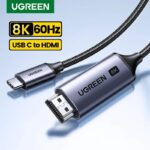
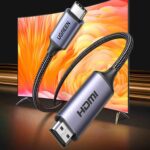
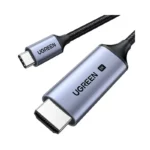



UGREEN CM565 Premium 8K 60Hz USB-C to HDMI 2.1 Cable – 1.5M
1,550.00৳
UGREEN CM565 Premium 8K 60Hz USB-C to HDMI 2.1 Cable – 1.5M
Enjoy Ultra-High-Definition Display Connectivity with UGREEN CM565
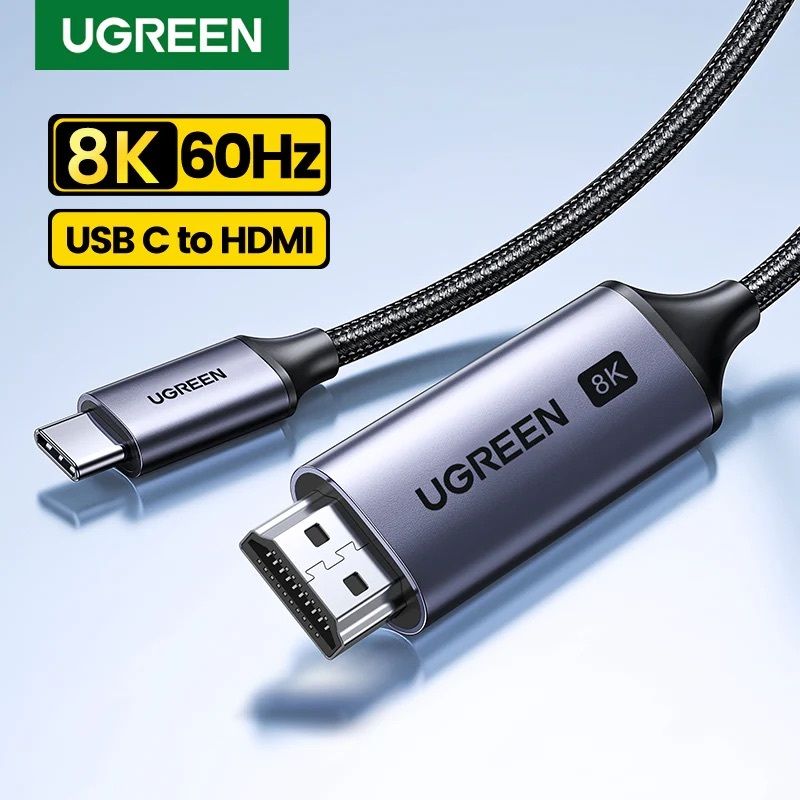
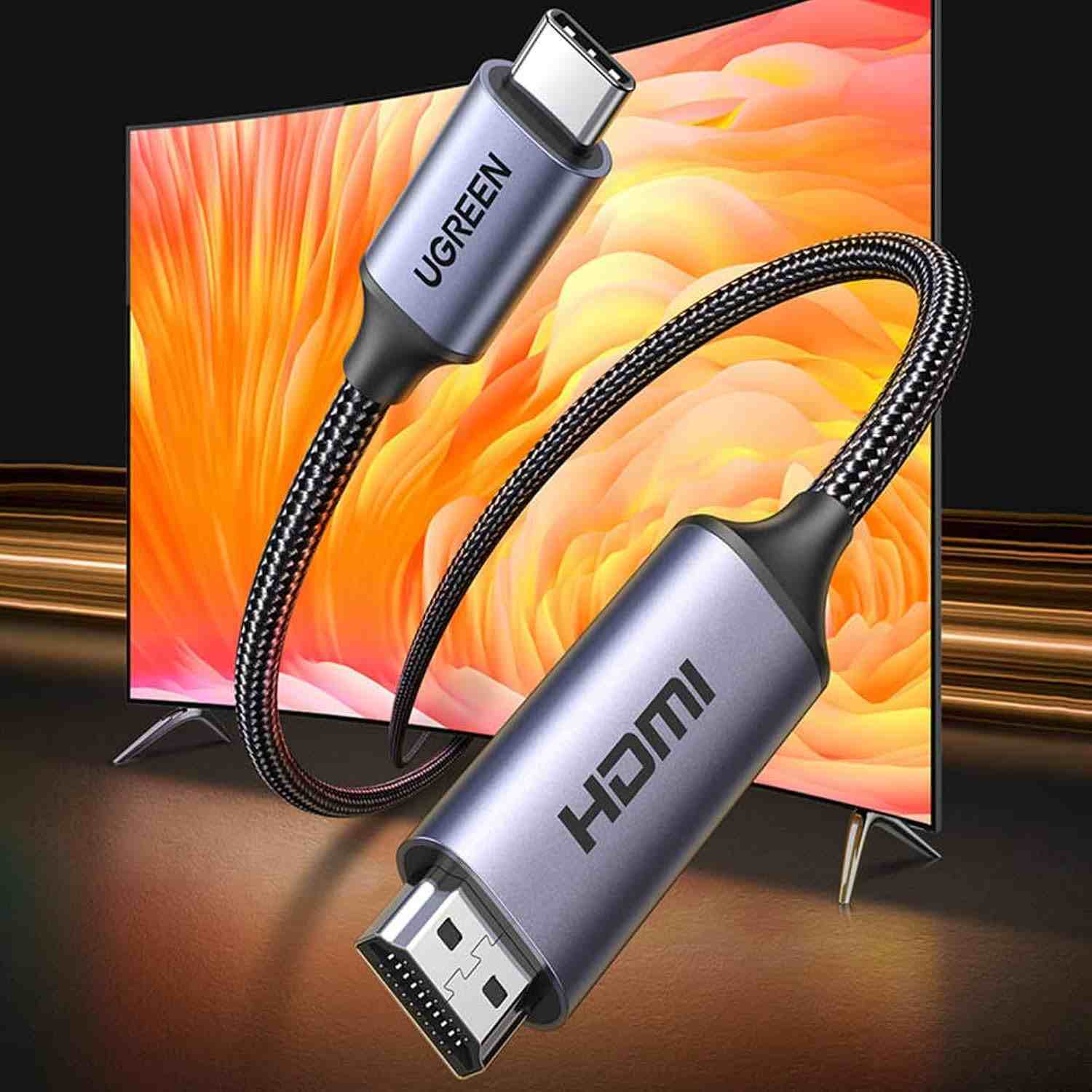
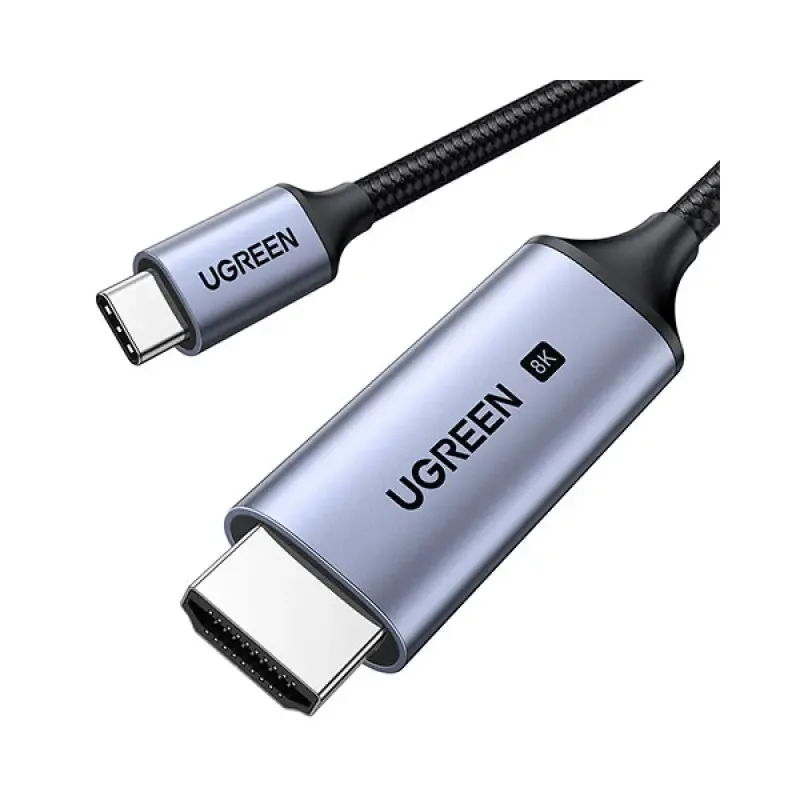
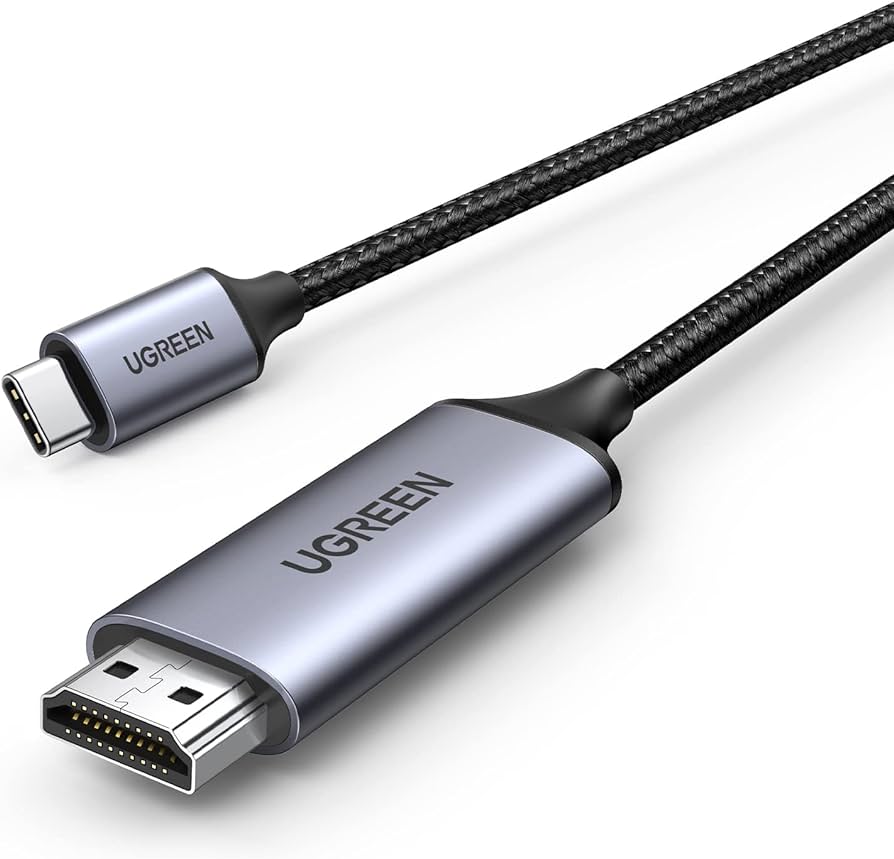
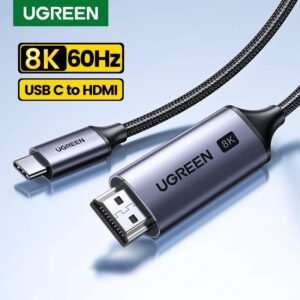
Upgrade your display setup with the UGREEN CM565 90451 USB-C to HDMI 2.1 Cable. Designed for compatible USB-C devices, this 1.5-metre cable connects a laptop, tablet, or other supported device to an HDMI-equipped television, monitor, or projector. It supports resolutions of up to 8K at 60Hz, giving you the opportunity to enjoy sharp details and smooth visuals when your source device and display both support the required specifications. Whether you are preparing a presentation, extending your computer workspace, watching high-resolution content, or connecting a compatible device to a large screen, the CM565 offers a convenient wired connection.
With HDMI 2.1 compatibility, audio and video transmission through one cable, and a plug-and-play design, the UGREEN CM565 helps simplify your everyday connectivity. Its 1.5-metre length provides practical reach for many desk and entertainment setups without requiring a separate adapter and HDMI cable. The most important compatibility requirement is that the USB-C source must support DisplayPort Alt Mode or another compatible video-output capability. A USB-C port used only for charging or data may not support display output. Actual resolution and refresh rate depend on the source device, display, and supported video settings.
Common Problems with USB-C to HDMI Cables
-
Limited Display Connectivity: Many modern laptops and tablets have USB-C ports but no dedicated HDMI port, making it difficult to connect them directly to an external display.
-
Low Display Resolution: Basic adapters may not support the high resolutions and refresh rates required by advanced monitors and televisions.
-
Unclear Compatibility: Not every USB-C port supports video output, and choosing an incompatible adapter can prevent the display from working.
-
Messy Cable Setups: Using multiple adapters and separate cables can create unnecessary clutter on desks and entertainment units.
-
Presentation Difficulties: Connecting a compatible laptop to a projector or large display can be inconvenient without the correct cable.
-
Limited Refresh Rate Support: Some cables cannot provide the resolution and refresh rate required for high-performance monitors.
-
Audio and Video Connection Issues: Using separate connections for sound and picture can complicate a display setup when one compatible cable can handle both.
Smart Solution: UGREEN CM565 USB-C to HDMI 2.1 Cable
The UGREEN CM565 90451 8K USB-C to HDMI Cable provides a straightforward solution for connecting compatible USB-C devices to HDMI displays. Instead of relying on a collection of adapters, you can connect the USB-C end to your source device and the HDMI end to a compatible television, monitor, or projector.
Its support for up to 8K at 60Hz makes it suitable for compatible high-resolution display setups. The HDMI 2.1 interface is designed for demanding video applications, while backward compatibility helps it work with supported lower-resolution displays. The actual output depends on the capabilities of both connected devices.
The 1.5-metre cable is useful for everyday desk arrangements, office presentations, and home entertainment. It carries compatible audio and video over a single connection, reducing the need for separate display and audio cables. Its plug-and-play design also means you generally do not need to install additional drivers.
Key Features
🛡️ 8K Ultra-High-Definition Resolution
The UGREEN CM565 supports video output up to 7680 × 4320 at 60Hz when the source device, cable, display, and settings support this mode. The high pixel count is useful for compatible 8K televisions and monitors, providing detailed images for supported content and applications.
🛡️ HDMI 2.1 Connectivity
With HDMI 2.1 compatibility, the CM565 is designed for high-bandwidth video connections. It is suitable for compatible modern televisions and monitors, including setups that require advanced resolution and refresh-rate support. The exact performance depends on the capabilities of the connected devices.
🛡️ USB-C to HDMI Connection
Connect a compatible USB-C laptop, tablet, or other video-output device to an HDMI-equipped display. This is especially convenient for devices without a built-in HDMI port, allowing you to use an external screen without needing a separate USB-C-to-HDMI adapter.
🛡️ Practical 1.5-Metre Cable Length
The 1.5-metre cable provides useful reach for connecting a laptop to a monitor or a compatible device to a nearby television. It helps maintain an organised setup while providing flexibility for everyday work and entertainment.
🛡️ High-Resolution Refresh Rate Support
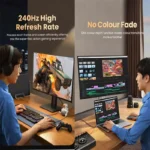
The cable is marketed for up to 8K at 60Hz, with supported lower-resolution modes depending on the connected hardware. Some compatible configurations may support 4K at higher refresh rates. Always check the maximum resolution and refresh rate supported by your specific source and display before purchase.
🛡️ Synchronized Audio and Video
The CM565 carries compatible audio and video through a single connection. This helps reduce cable clutter when connecting a laptop to a television, monitor, or projector with built-in speakers or a compatible audio system.
🛡️ Plug-and-Play Convenience
The cable is designed to work without additional display drivers or software. Connect it to compatible devices, select the correct HDMI input on your display, and configure the screen settings if necessary.
🛡️ Designed for Compatible USB-C Devices
The CM565 is suitable for devices with USB-C video output, including compatible laptops, tablets, and smartphones. USB-C connector shape alone does not guarantee video support; your device must support DisplayPort Alt Mode or another compatible video-output method.
Benefits You’ll Enjoy
-
✔️ Experience Detailed Visuals: Enjoy supported resolutions up to 8K at 60Hz with compatible equipment.
-
✔️ Connect to External Displays: Use a compatible USB-C device with an HDMI television, monitor, or projector.
-
✔️ Simplify Your Setup: Connect audio and video through one cable.
-
✔️ Reduce Cable Clutter: Avoid using a separate adapter and HDMI cable for compatible connections.
-
✔️ Enjoy Flexible Screen Use: Use a compatible external display for work, presentations, or entertainment.
-
✔️ Support Modern Display Equipment: Take advantage of HDMI 2.1-compatible connectivity.
-
✔️ Keep Your Desk Organised: Use the 1.5-metre length for many nearby device arrangements.
-
✔️ Save Setup Time: Benefit from plug-and-play operation without installing dedicated drivers.
-
✔️ Improve Presentation Convenience: Connect compatible laptops to HDMI projectors and large displays.
-
✔️ Use One Cable for Sound and Picture: Transmit supported audio and video together.
Perfect For
-
💻 Laptop Users: Connect compatible USB-C laptops to an external HDMI display.
-
🖥️ Desktop Workstations: Use supported USB-C video output with a compatible monitor.
-
🏠 Home Entertainment: Connect a compatible device to an HDMI television.
-
🎮 Compatible Gaming Setups: Use supported high-resolution display modes when the source and display allow them.
-
🏢 Office Professionals: Display documents, spreadsheets, and presentations on a larger screen.
-
🎓 Students and Teachers: Connect compatible laptops or tablets to classroom displays.
-
📽️ Projector Connections: Send compatible video and audio to an HDMI-equipped projector.
-
🎨 Creative Professionals: Work with supported high-resolution monitors for design and visual projects.
-
🧳 Remote Workers: Carry one cable for compatible workstations and presentation setups.
-
📺 High-Resolution Display Owners: Connect compatible USB-C devices to supported 8K or other HDMI displays.
Why Choose the UGREEN CM565 USB-C to HDMI Cable?
The UGREEN CM565 90451 combines USB-C and HDMI connectivity in one practical cable. It is a convenient option for users who want to connect a compatible laptop, tablet, or other source device to a larger display without carrying a separate adapter and HDMI cable.
Its advertised 8K at 60Hz capability makes it suitable for compatible high-resolution setups. However, the cable does not upgrade the video capabilities of your device. To achieve 8K output, the source must support the required display mode, and the monitor or television must also support that resolution and refresh rate.
The 1.5-metre length works well for many desks, meeting rooms, and home entertainment arrangements. The single-cable connection also supports compatible audio and video transmission, helping keep your setup simple and organised.
UGREEN’s plug-and-play approach makes everyday installation straightforward. For the best experience, confirm your device’s USB-C video-output support and the specifications of your HDMI display before ordering. This is particularly important if you need a specific combination of resolution, refresh rate, HDR, or gaming features.
UGREEN CM565 vs Ordinary USB-C to HDMI Cables
| Feature | UGREEN CM565 | Basic USB-C to HDMI Cable |
|---|---|---|
| Connection Type | USB-C to HDMI | USB-C to HDMI |
| Advertised Maximum Resolution | Up to 8K at 60Hz | Varies by model |
| HDMI Standard | HDMI 2.1 | Depends on the cable |
| Cable Length | 1.5 metres | Varies by model |
| Audio and Video | Supported through one cable | Generally supported when compatible |
| Driver Installation | Designed for plug-and-play use | Depends on the product |
| High-Resolution Display Use | Suitable for supported high-resolution configurations | Depends on the cable’s specifications |
| Source Compatibility | Requires compatible USB-C video output | Also requires compatible USB-C video output |
| Everyday Applications | Work, presentations, entertainment, and compatible gaming | Depends on the cable’s capabilities |
Special Product Function
The special function of the UGREEN CM565 is its ability to connect a compatible USB-C source directly to an HDMI display while supporting high-resolution video output. This makes it useful for users whose laptops or tablets lack a built-in HDMI port.
Mirror Mode allows compatible devices to duplicate their screens on an external display, while Extended Mode can provide additional workspace when supported by the operating system and graphics hardware. These modes are controlled through your device’s display settings rather than through a separate control on the cable.
The HDMI connection can also carry compatible audio, allowing sound to play through a connected television or another display with audio capabilities. For advanced features such as 8K at 60Hz or 4K at higher refresh rates, every part of the connection must support the selected mode.
How to Use the UGREEN CM565 USB-C to HDMI Cable
-
Check Your Device: Confirm that your laptop, tablet, or other source device supports USB-C video output through DisplayPort Alt Mode or a compatible method.
-
Connect the USB-C End: Plug the USB-C connector into the compatible port on your source device.
-
Connect the HDMI End: Insert the HDMI connector into the HDMI input of your monitor, television, or projector.
-
Select the Display Input: Use the display’s input controls to select the HDMI port you connected.
-
Configure Display Settings: On your device, choose whether to duplicate or extend the screen, if those modes are supported.
-
Set the Supported Resolution: Select the desired resolution and refresh rate from your device’s display settings, within the capabilities of your source and display.
Important Usage Tips
-
Confirm that your USB-C port supports video output before purchasing the cable.
-
Do not assume that every USB-C port supports 8K video simply because it has a USB-C connector.
-
Use an HDMI display that supports the resolution and refresh rate you want.
-
Remember that achieving 8K at 60Hz depends on the source device, display, cable, and compatible settings.
-
Check your device’s specifications for supported HDR and high-refresh-rate modes.
-
Insert the connectors carefully and avoid pulling or sharply bending the cable.
-
Select the correct HDMI input on your television, monitor, or projector.
-
Update your graphics drivers or operating system if a compatible display is not detected.
-
If the display shows no picture, test another supported USB-C port or check your device’s video-output settings.
-
For smartphones and tablets, verify that the particular model supports external display output.
-
Avoid assuming that the cable can charge your device; it is designed primarily for audio and video connectivity.
-
For long-distance installations, check whether a 1.5-metre cable meets your setup requirements.
Product Specifications
| Specification | Details |
|---|---|
| Brand | UGREEN |
| Model | CM565 |
| Part Number | 90451 |
| Product Type | USB-C to HDMI Cable / Adapter |
| Input Connector | USB Type-C Male |
| Output Connector | HDMI Male |
| HDMI Standard | HDMI 2.1 |
| Maximum Advertised Resolution | Up to 8K at 60Hz |
| Resolution at 8K | 7680 × 4320 |
| Cable Length | 1.5 metres |
| Audio Support | Compatible audio transmission |
| Video Support | Compatible video transmission |
| Installation | Plug and play; no dedicated driver generally required |
| Source Requirement | USB-C device with compatible video-output support |
| Compatible Displays | HDMI-equipped televisions, monitors, and projectors |
| Colour | Black or grey, depending on the product listing |
| Warranty | Typically listed as 1 year; confirm with the seller |
Why Buy from AIYOZON?
At AIYOZON, we aim to make it easier to find practical technology accessories for home, office, study, and entertainment. The UGREEN CM565 is designed for compatible devices that need a direct USB-C-to-HDMI connection, offering a convenient way to connect to an external display without a separate adapter.
We provide product information to help you understand important features, connectivity requirements, and compatibility considerations before placing an order. If you are planning to use an 8K display or a high-refresh-rate monitor, check the specifications of your source device and display to make sure they support your desired configuration.
Shop at AIYOZON for a convenient online shopping experience and explore accessories that help make your everyday technology setup more practical.
-
✅ Quality Products
-
🚚 Fast Delivery Across Bangladesh
-
📦 Secure Packaging
-
💬 Responsive Customer Support
-
⭐ Convenient Online Shopping
-
💯 Great Value for Money
Frequently Asked Questions
1. What is the UGREEN CM565 90451 used for?
The UGREEN CM565 connects a compatible USB-C device to an HDMI-equipped television, monitor, or projector. It supports audio and video transmission through one cable.
2. Does the UGREEN CM565 support 8K at 60Hz?
Yes, it is advertised to support up to 8K at 60Hz. The actual output depends on the source device, display, and their supported video modes.
3. Is the UGREEN CM565 compatible with every USB-C laptop?
No. The laptop’s USB-C port must support video output through DisplayPort Alt Mode or another compatible method. A USB-C port that supports only charging or data may not work for display output.
4. Can I use the UGREEN CM565 with a television or projector?
Yes. You can connect it to an HDMI-equipped television, monitor, or projector, provided your source device supports compatible USB-C video output.
5. Does the UGREEN CM565 require driver installation?
It is designed for plug-and-play use, so dedicated drivers are generally unnecessary. Your source device must still support video output, and you may need to select the correct display input or configure your screen settings.
6. Can the UGREEN CM565 transmit sound as well as video?
Yes. It supports compatible audio and video transmission over the HDMI connection. Sound playback depends on the source device and the connected display or audio equipment.
7. How long is the UGREEN CM565 cable?
The cable is 1.5 metres long, making it suitable for many desk setups, presentations, and nearby television connections.
8. How long does delivery take from AIYOZON?
Delivery estimates are:
-
Inside Dhaka: 24–48 Hours
-
Outside Dhaka: 2–3 Business Days
Delivery times may vary depending on product availability, destination, and courier conditions.
Upgrade Your Display Experience with UGREEN CM565
The UGREEN CM565 90451 8K USB-C to HDMI 2.1 Cable is a convenient solution for connecting compatible USB-C devices to HDMI displays. Its advertised 8K at 60Hz support, 1.5-metre length, plug-and-play design, and audio-video connectivity make it suitable for supported home entertainment, office work, presentations, and high-resolution display setups.
For the best results, make sure your source device supports USB-C video output and that your display supports the resolution and refresh rate you want. Choosing a compatible setup helps you get the most from the cable while keeping your connections simple and organised.
Order the UGREEN CM565 8K USB-C to HDMI Cable from AIYOZON Today!
Connect your compatible laptop, tablet, or other USB-C device to an HDMI display with the UGREEN CM565 90451 8K USB-C to HDMI 2.1 Cable – 1.5M. Shop from AIYOZON for a practical display connection that supports high-resolution viewing and everyday productivity.






Reviews
There are no reviews yet.