



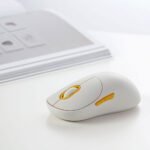

Xiaomi Wireless Mouse Comfort Edition XMWXSB04YM – Ergonomic 2.4GHz Wireless Mouse with Silent Clicks
1,800.00৳
Xiaomi Wireless Mouse Comfort Edition XMWXSB04YM – Ergonomic 2.4GHz Wireless Mouse with Silent Clicks
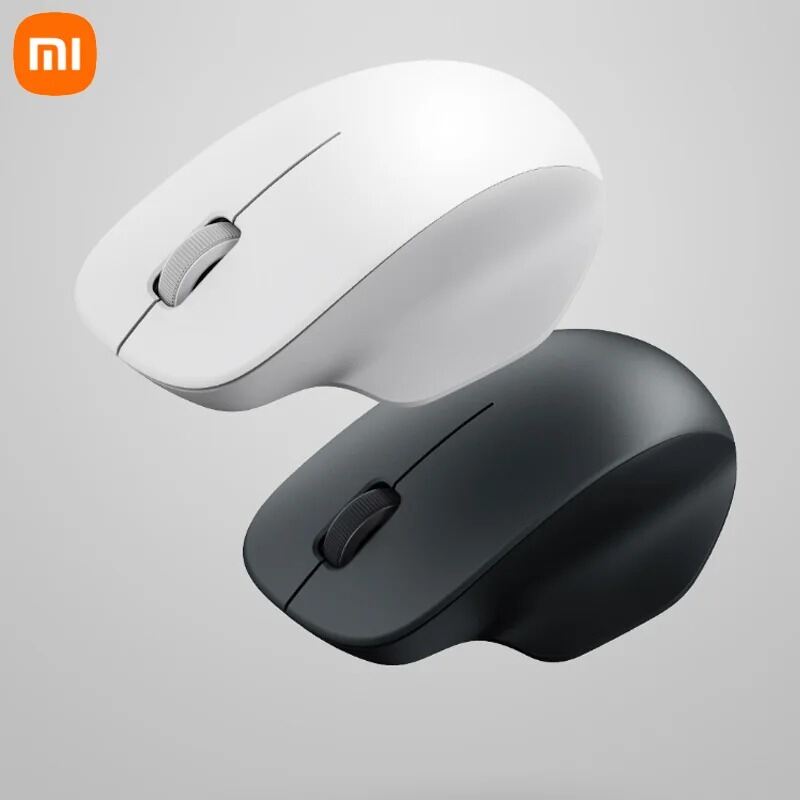
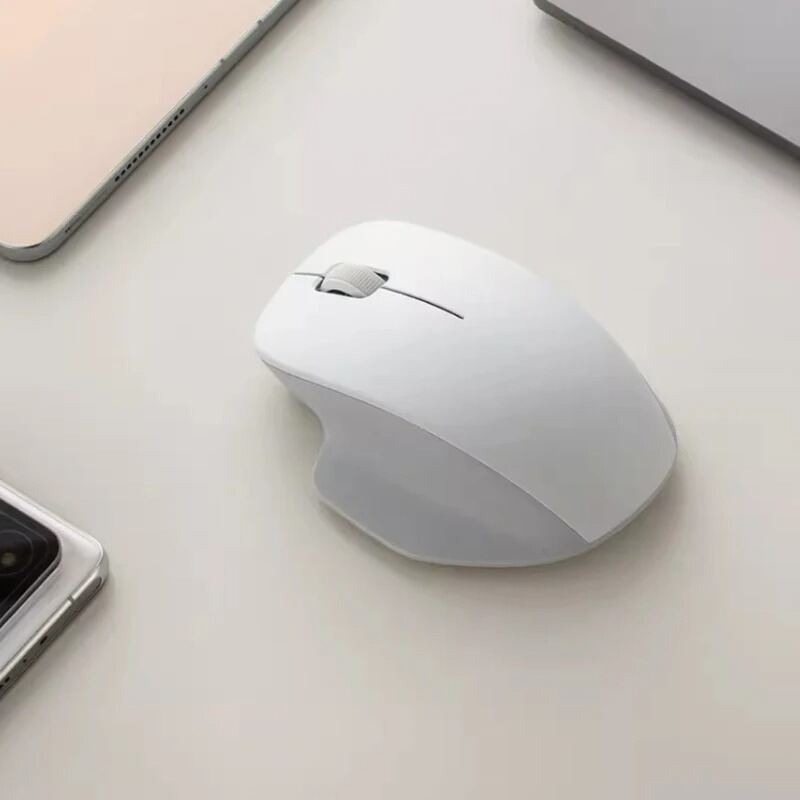
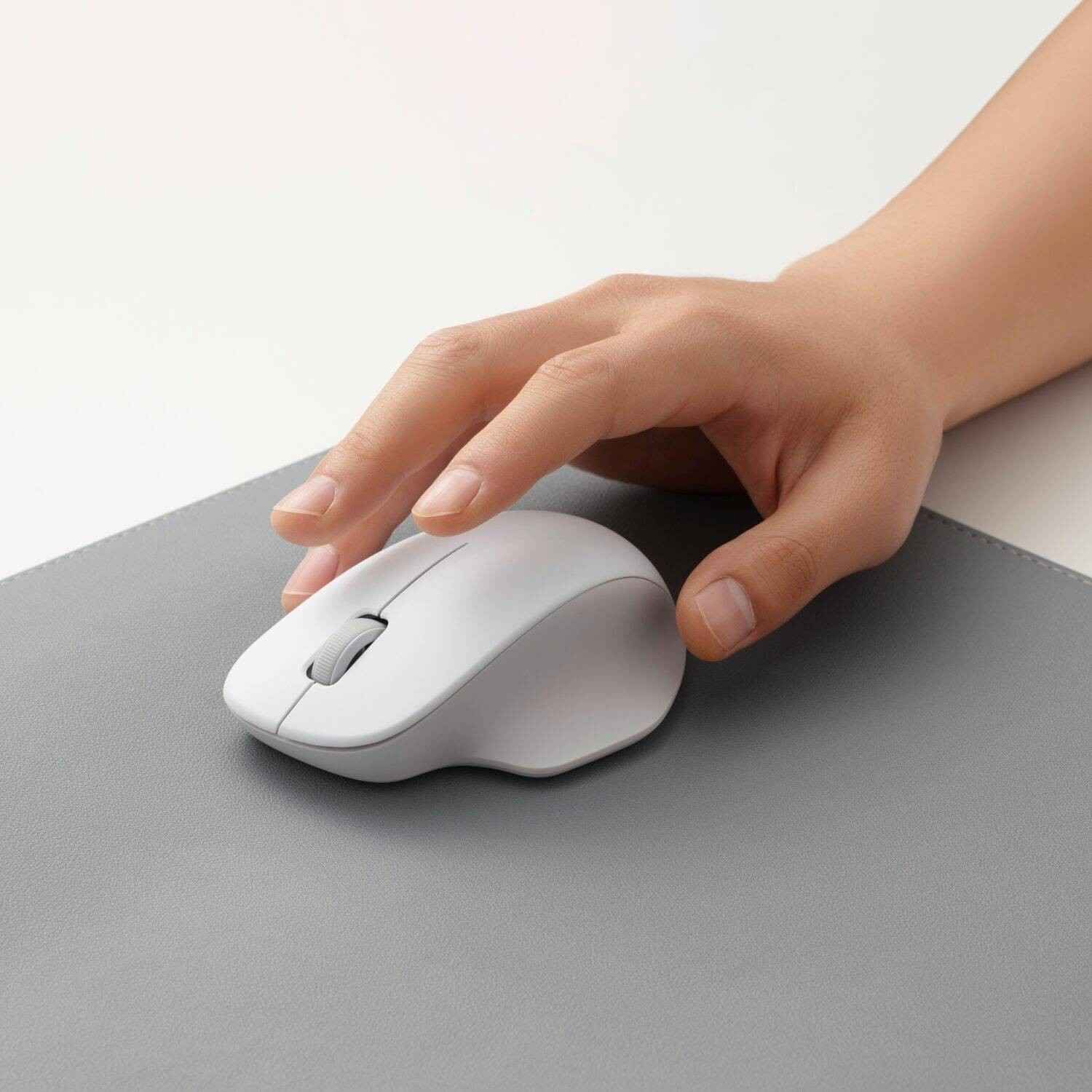
The Xiaomi Wireless Mouse Comfort Edition (XMWXSB04YM) is a practical wireless mouse designed for comfortable everyday computing at home, in the office or while studying. Its ergonomic asymmetrical shape provides support for the palm and thumb, while its matte surface offers a comfortable grip during regular use.
The mouse features a 2.4GHz wireless connection, 1200 DPI optical tracking and quiet TTC switches for smooth cursor movement and reduced clicking noise. Its compact design and lightweight construction make it a convenient accessory for laptops and desktop computers. citeturn699236search8turn699236search9
Unlike Bluetooth mice, the XMWXSB04YM connects through its included 2.4GHz USB receiver, providing a straightforward plug-and-play-style setup on compatible computers. It requires one AA battery for power. citeturn699236search8
Common Problems with Ordinary Computer Mice
A basic computer mouse may become uncomfortable or inconvenient during everyday work.
Common problems include:
- Hand discomfort during extended computer use
- Loud clicking sounds in quiet environments
- Unstable wireless connectivity
- Inconsistent cursor movement
- Slippery or uncomfortable surface textures
- Cable clutter on the desk
- Bulky designs that are inconvenient for travel
The Xiaomi Wireless Mouse Comfort Edition addresses these everyday needs with an ergonomic shape, quiet buttons and a wireless connection.
Smart Solution for Comfortable Everyday Computing
The Xiaomi Wireless Mouse Comfort Edition combines comfortable handling with reliable wireless control.
Its contoured body is designed to support the palm and thumb, while the 1200 DPI optical sensor provides responsive tracking for browsing, documents, presentations and general office tasks. The quiet switches help minimize distracting click sounds when working around other people. citeturn699236search8turn699236search10
Key Features
1. Ergonomic Asymmetrical Design
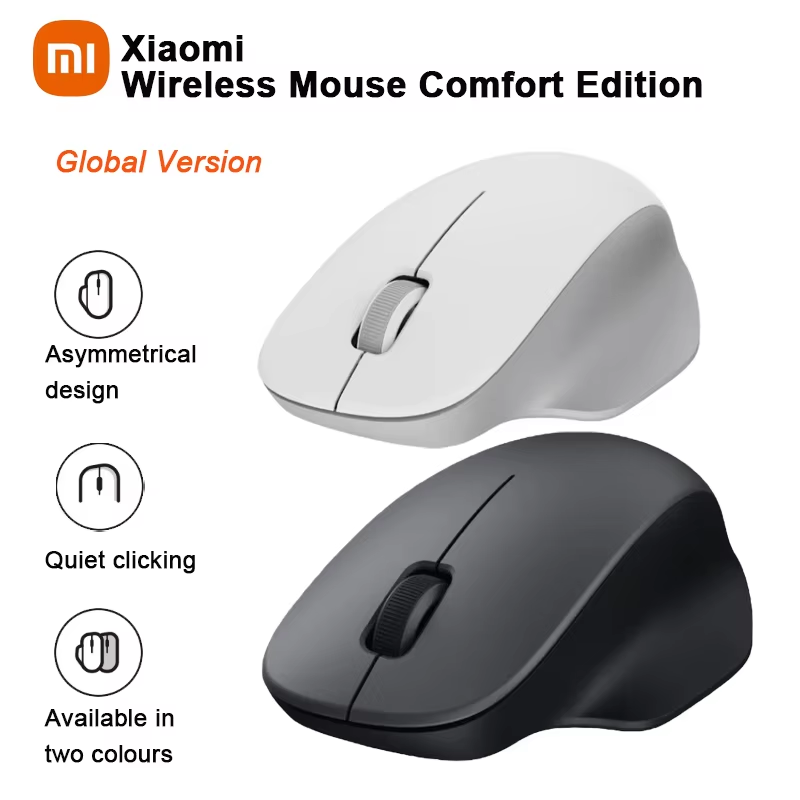
The mouse features an asymmetrical, contoured shape designed to fit naturally in the hand. Its palm and thumb support can make everyday navigation more comfortable, particularly for users who prefer a traditional right-hand-oriented mouse shape. citeturn699236search8
2. Quiet TTC Switches
The left, middle and right buttons use quiet TTC switches designed to reduce clicking noise while maintaining responsive operation.
This makes the mouse suitable for offices, libraries, study spaces and shared work areas where quieter operation is preferred. citeturn699236search8
3. 1200 DPI Optical Tracking
The 1200 DPI optical sensor provides responsive cursor control for common computer tasks.
It is suitable for web browsing, office applications, online learning, email, document editing and general productivity. citeturn699236search8
4. Stable 2.4GHz Wireless Connection
The mouse uses a 2.4GHz wireless connection through a USB receiver. Xiaomi’s support information lists a wireless transmission range of up to approximately 10 metres under suitable conditions. citeturn699236search8
5. Comfortable Matte Surface
The matte exterior is designed to provide a comfortable, non-glossy feel during everyday handling. Its textured finish also complements the mouse’s minimalist appearance. citeturn699236search9turn699236search10
6. Large, Easy-to-Use Buttons
The mouse features a conventional three-button layout with a scroll wheel. Its larger button surfaces are designed to make clicking and scrolling convenient during regular computer use. citeturn699236search8turn699236search10
7. Lightweight and Compact Body
Measuring approximately 111.2 × 74.5 × 40.6 mm and weighing around 62g without the battery, the mouse is compact enough for everyday desk use and carrying alongside a laptop. citeturn699236search0
8. Simple USB Receiver Setup
The included receiver is stored inside the mouse’s receiver compartment. Insert it into a compatible USB-A port, install the battery and switch on the mouse to get started. citeturn699236search8
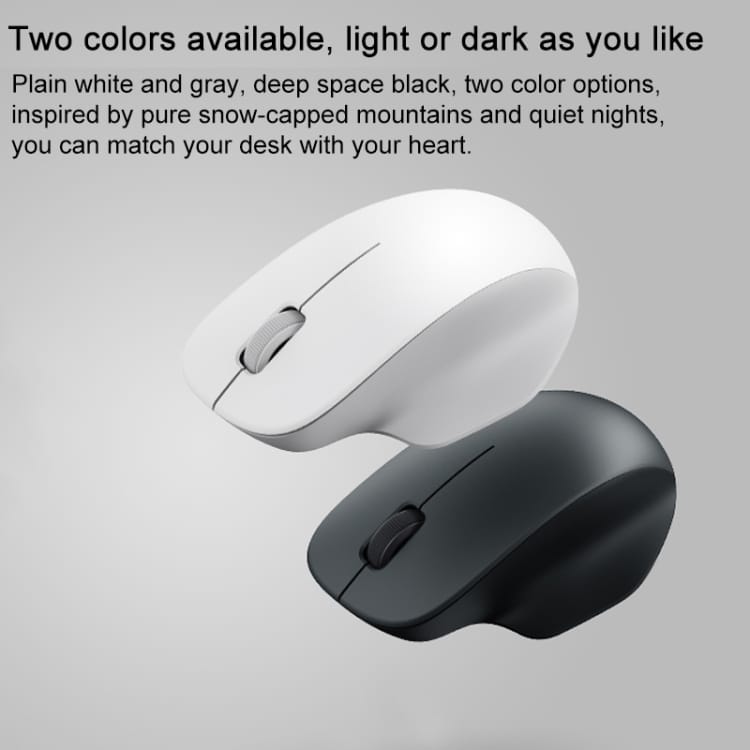
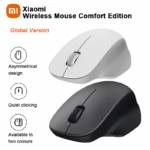
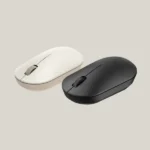
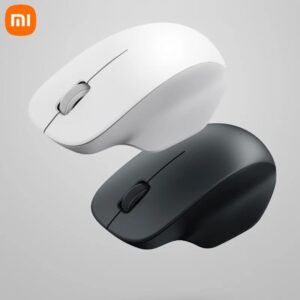
9. White and Black Colour Options
The Comfort Edition is listed in white and black, allowing you to choose a colour that suits your laptop, desktop setup or workspace. Availability depends on the seller’s stock. citeturn699236search8turn699236search9
Benefits
- Ergonomic design for comfortable daily use
- Quiet clicking with TTC switches
- 1200 DPI optical tracking
- 2.4GHz wireless connectivity
- No mouse cable clutter
- Compact and lightweight construction
- Matte surface for a comfortable grip
- Convenient USB receiver storage
- Three-button design with scroll wheel
- Suitable for work, study and everyday browsing
Perfect For
The Xiaomi Wireless Mouse Comfort Edition is suitable for:
- Office workers
- Students
- Laptop users
- Desktop computer users
- Remote workers
- Online learners
- Home offices
- Libraries and shared workspaces
- Everyday browsing and document editing
- Users who prefer quieter mouse clicks
Why Choose Xiaomi Wireless Mouse Comfort Edition?
The Xiaomi Wireless Mouse Comfort Edition focuses on the features that matter for everyday productivity: comfortable handling, responsive tracking and reduced clicking noise.
Its 1200 DPI sensor, quiet TTC switches, ergonomic shape and 2.4GHz USB receiver make it a practical option for users who want a simple wireless mouse without unnecessary complexity. citeturn699236search8
Xiaomi Wireless Mouse Comfort Edition vs. Basic Wired Mouse
| Feature | Xiaomi Comfort Edition | Basic Wired Mouse |
|---|---|---|
| Connection | 2.4GHz wireless | Wired |
| Cable Required | No | Yes |
| Sensor Resolution | 1200 DPI | Varies |
| Click Noise | Quiet TTC switches | Varies |
| Ergonomic Shape | Asymmetrical design | Varies |
| Power Source | 1 AA battery | Usually USB power |
| Receiver | USB receiver included | Not required |
| Portability | Convenient | Cable may be less convenient |
| Best For | Office, study and everyday use | General computing |
Features of basic wired mice vary by model.
How to Use Xiaomi Wireless Mouse Comfort Edition
Step 1: Open the Battery Compartment
Remove the battery cover and locate the storage compartment for the USB receiver.
Step 2: Insert the USB Receiver
Take out the included 2.4GHz receiver and plug it into a compatible USB-A port on your computer. citeturn699236search8
Step 3: Install the AA Battery
Insert one compatible AA battery according to the polarity markings inside the battery compartment.
Step 4: Turn On the Mouse
Move the power switch to the on position.
Step 5: Start Using the Mouse
Wait for your computer to recognize the receiver, then use the mouse for browsing, document editing and other supported tasks.
Recommended Use Cases
Office Productivity
Navigate spreadsheets, documents, presentations and business applications with responsive cursor control.
Online Learning
Use the mouse for online classes, browsing, assignments and educational applications.
Laptop Setup
Connect the USB receiver to a compatible laptop to enjoy wireless control without a mouse cable.
Home Computing
Use it for everyday browsing, email, media navigation and general computer tasks.
Quiet Workspaces
The quiet TTC switches help reduce clicking noise in shared offices, libraries and study areas. citeturn699236search8
Cleaning & Maintenance
To keep your Xiaomi Wireless Mouse Comfort Edition in good condition:
- Switch off the mouse before cleaning.
- Wipe the exterior with a soft, dry or slightly damp cloth.
- Avoid allowing moisture to enter the buttons or sensor opening.
- Keep the optical sensor area free from dust.
- Store the USB receiver safely when not in use.
- Replace the AA battery when the mouse stops responding or tracking becomes unreliable.
- Do not immerse the mouse in water.
Important Usage Tips
- Remember that this model uses a 2.4GHz USB receiver, not Bluetooth. citeturn699236search8
- Check that your computer has a compatible USB-A port.
- Keep the receiver within a reasonable distance of the mouse.
- Avoid placing the receiver behind objects that may interfere with the wireless signal.
- Use a suitable mouse pad or surface for consistent tracking.
- Keep the mouse away from liquids and excessive moisture.
- Check the operating system requirements before purchase.
Product Specifications
| Specification | Details |
|---|---|
| Brand | Xiaomi |
| Product Name | Wireless Mouse Comfort Edition |
| Model | XMWXSB04YM |
| Product Type | Wireless Optical Mouse |
| Connection | 2.4GHz wireless |
| Receiver | USB receiver |
| Optical Resolution | 1200 DPI |
| Buttons | 3, including scroll-wheel button |
| Switches | Quiet TTC switches |
| Power Supply | 1 × AA battery |
| Rated Input | 1.5V ⎓ 50mA |
| Dimensions | 111.2 × 74.5 × 40.6 mm |
| Net Weight | Approx. 62g without battery |
| Materials | Plastic, metal and other materials |
| Colours | White / Black |
| Compatible Systems | Windows 10 or later; macOS 10.13 or later |
| Operating Temperature | 0°C to 40°C |
| Bluetooth | Not supported |
The model number, dimensions, rated input, weight, connection method and supported operating systems are listed in Xiaomi’s official specifications. Additional functional details, including the 1200 DPI sensor, quiet TTC switches and AA battery requirement, are described in Xiaomi’s support information. citeturn699236search0turn699236search8
What’s in the Box?
According to Xiaomi’s official specifications, the package includes: citeturn699236search0
- 1 × Xiaomi Wireless Mouse Comfort Edition
- 1 × 2.4GHz USB Receiver
- 1 × User Manual
- 1 × Warranty Card
Battery note: Xiaomi’s official package list does not include a battery. Confirm with AIYOZON whether an AA battery is supplied with the specific retail package.
Who Should Buy This Product?
Choose the Xiaomi Wireless Mouse Comfort Edition if you want:
- A comfortable wireless mouse for everyday computing
- Quiet clicking for office or study use
- 1200 DPI optical tracking
- A simple USB receiver connection
- A compact mouse for a laptop or desktop
- A clean, cable-free workspace
- An ergonomic alternative to a basic mouse
If you specifically need Bluetooth connectivity or multi-device pairing without a USB receiver, consider a different mouse model.
Why Buy from AIYOZON?
When purchasing the Xiaomi Wireless Mouse Comfort Edition from AIYOZON, you can enjoy a convenient shopping experience for everyday computer accessories.
- Convenient online ordering
- Clear product specifications
- Product assistance before purchase
- Delivery support across Bangladesh
- Access to practical tech accessories
Frequently Asked Questions
What is the model number of Xiaomi Wireless Mouse Comfort Edition?
The model number is XMWXSB04YM. citeturn699236search0
Does the Xiaomi Comfort Edition mouse support Bluetooth?
No. It uses a 2.4GHz wireless connection through a USB receiver and does not support Bluetooth connectivity. citeturn699236search8
What is the DPI of this mouse?
The optical sensor has a resolution of 1200 DPI, suitable for everyday computer tasks. citeturn699236search8
Is it a silent mouse?
It uses quiet TTC switches designed to reduce clicking noise. It is quieter than many conventional click mechanisms, though not completely noiseless. citeturn699236search8
What battery does it use?
The mouse uses one AA battery. Confirm whether the battery is included in the retail package before ordering. citeturn699236search8
What is the wireless range?
Xiaomi’s support information lists a range of up to approximately 10 metres under suitable conditions. Actual range can vary with interference and the surrounding environment. citeturn699236search8
Is it compatible with Windows and Mac?
Xiaomi lists compatibility with Windows 10 or later and macOS 10.13 or later. citeturn699236search0
What are its dimensions and weight?
The mouse measures approximately 111.2 × 74.5 × 40.6 mm and weighs around 62g without the battery. citeturn699236search0
Does it come with a USB receiver?
Yes. Xiaomi lists a 2.4GHz receiver in the package, stored in the mouse’s receiver compartment. citeturn699236search0
Is this mouse suitable for gaming?
It can handle casual games and everyday computer use, but it is primarily designed for comfortable productivity rather than high-performance competitive gaming.
Final Verdict
The Xiaomi Wireless Mouse Comfort Edition (XMWXSB04YM) is a practical choice for users who want comfortable everyday navigation without a wired connection. Its ergonomic design, quiet TTC switches, 1200 DPI optical sensor and 2.4GHz USB receiver make it suitable for offices, home workspaces, students and laptop users.
Before ordering, remember that this model does not support Bluetooth and requires one AA battery.
Upgrade Your Everyday Computer Setup
- Ergonomic, comfortable design
- Quiet TTC button switches
- 1200 DPI optical tracking
- 2.4GHz wireless connection
- USB receiver included
- Compact and lightweight body
- Suitable for office, study and home use













Reviews
There are no reviews yet.